
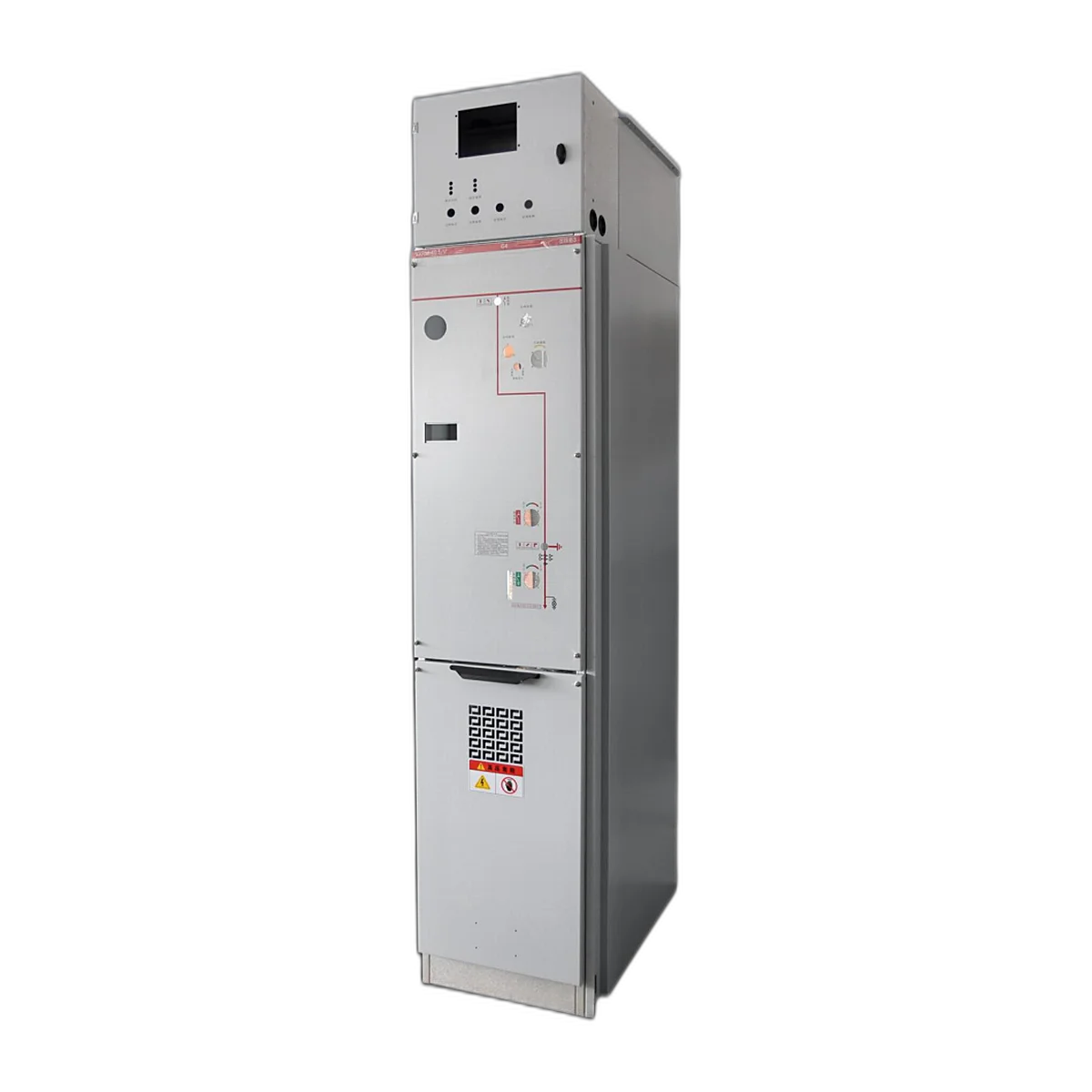
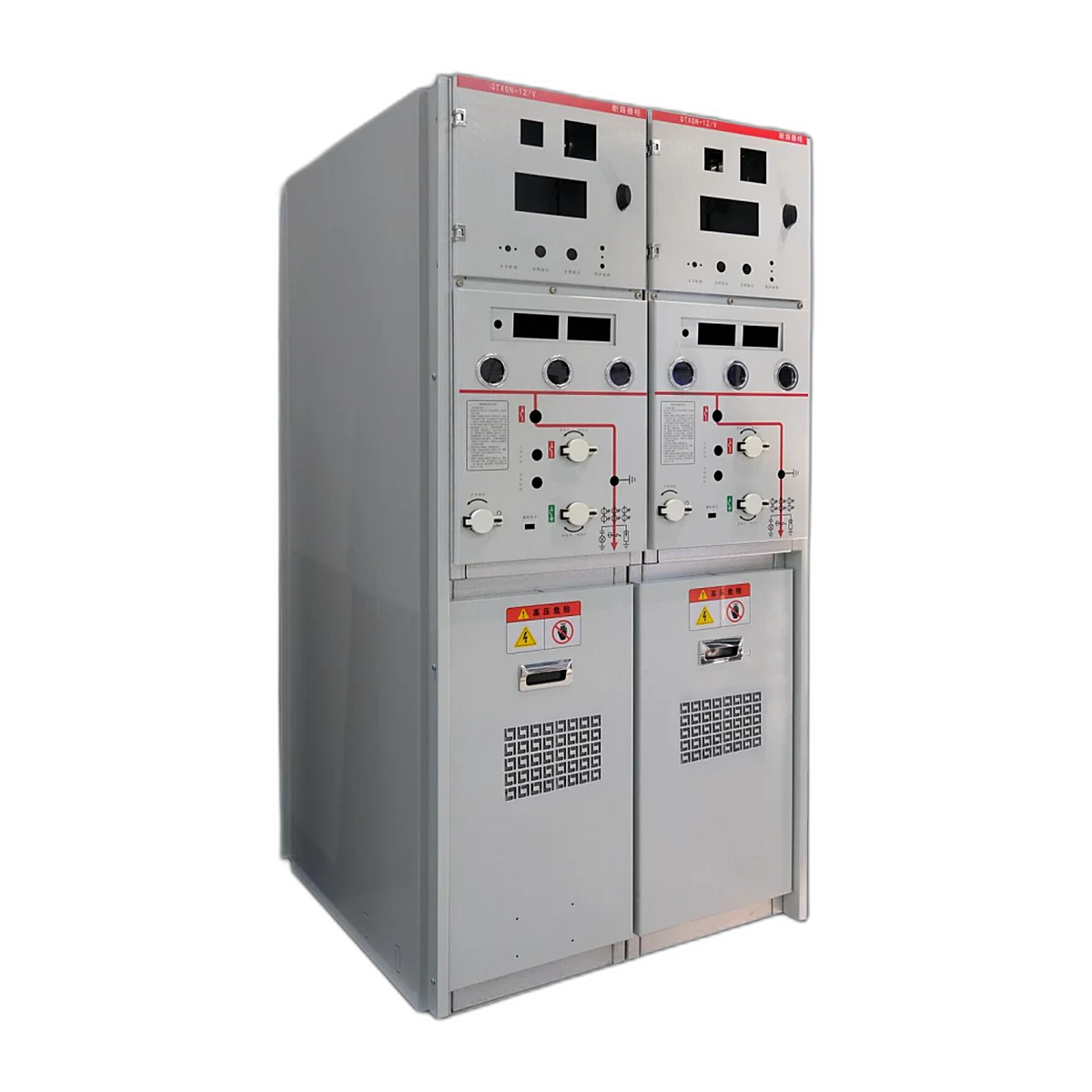
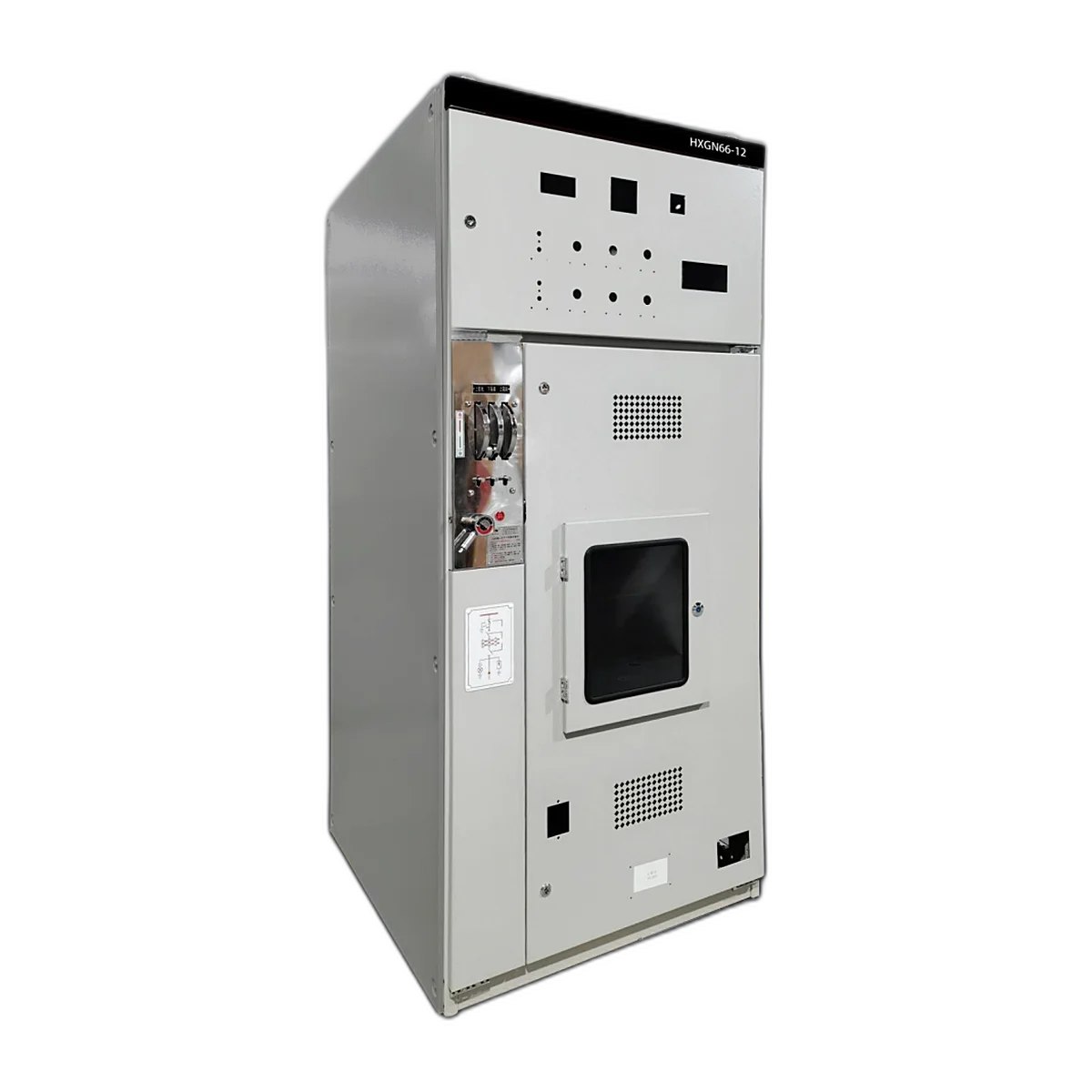
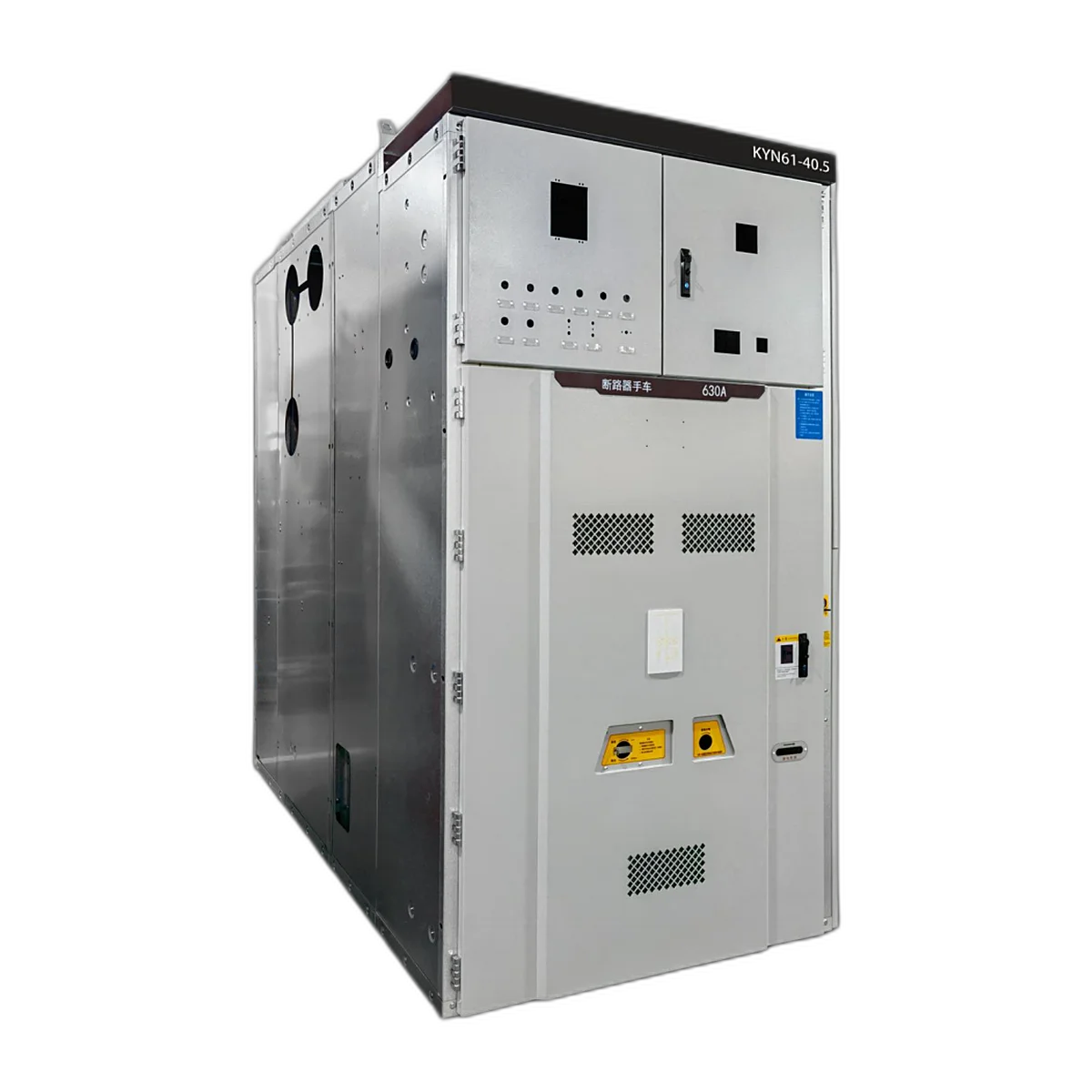
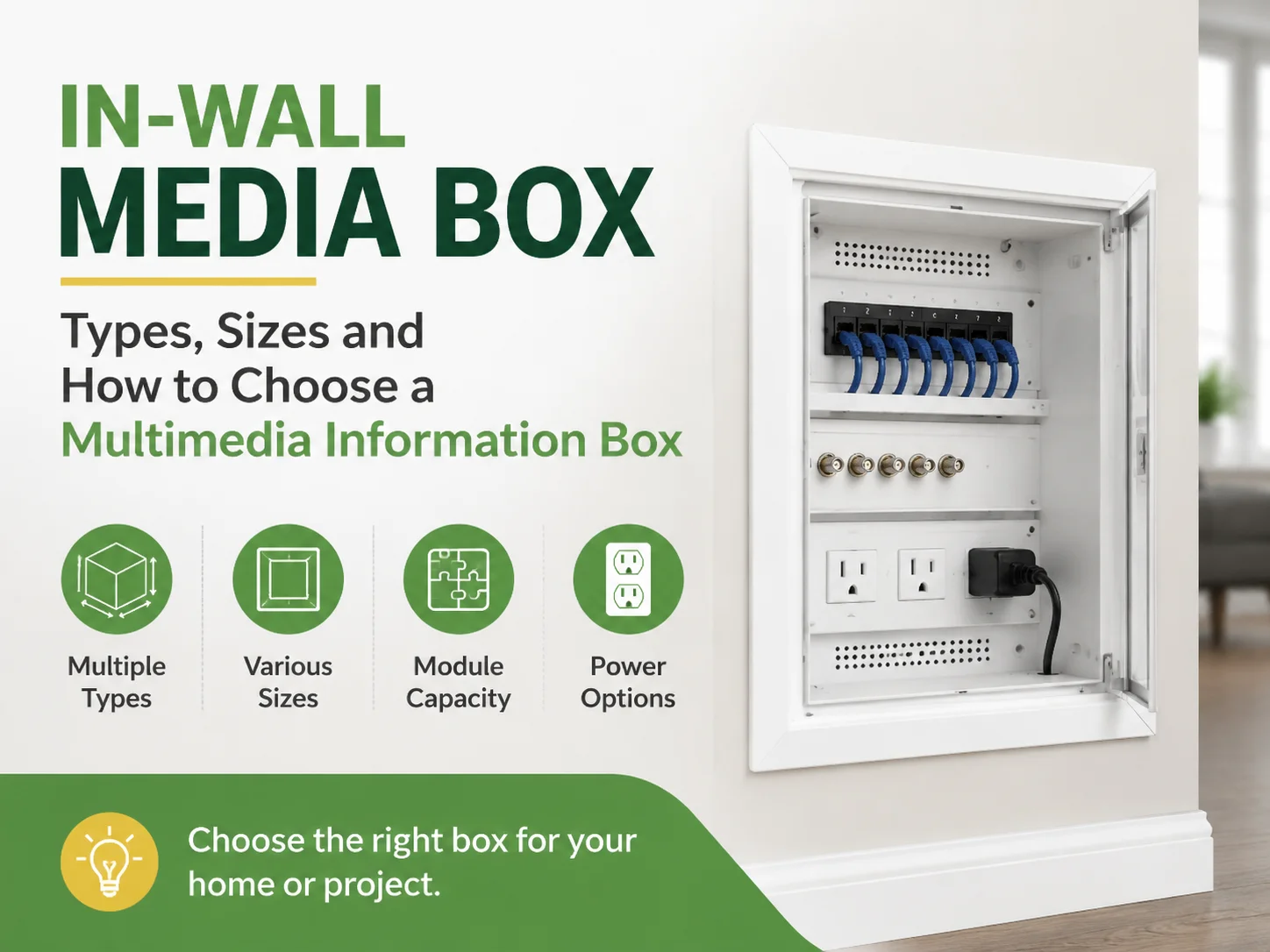
In-Wall Media Box: Types, Sizes and How to Choose a Multimedia Information Box
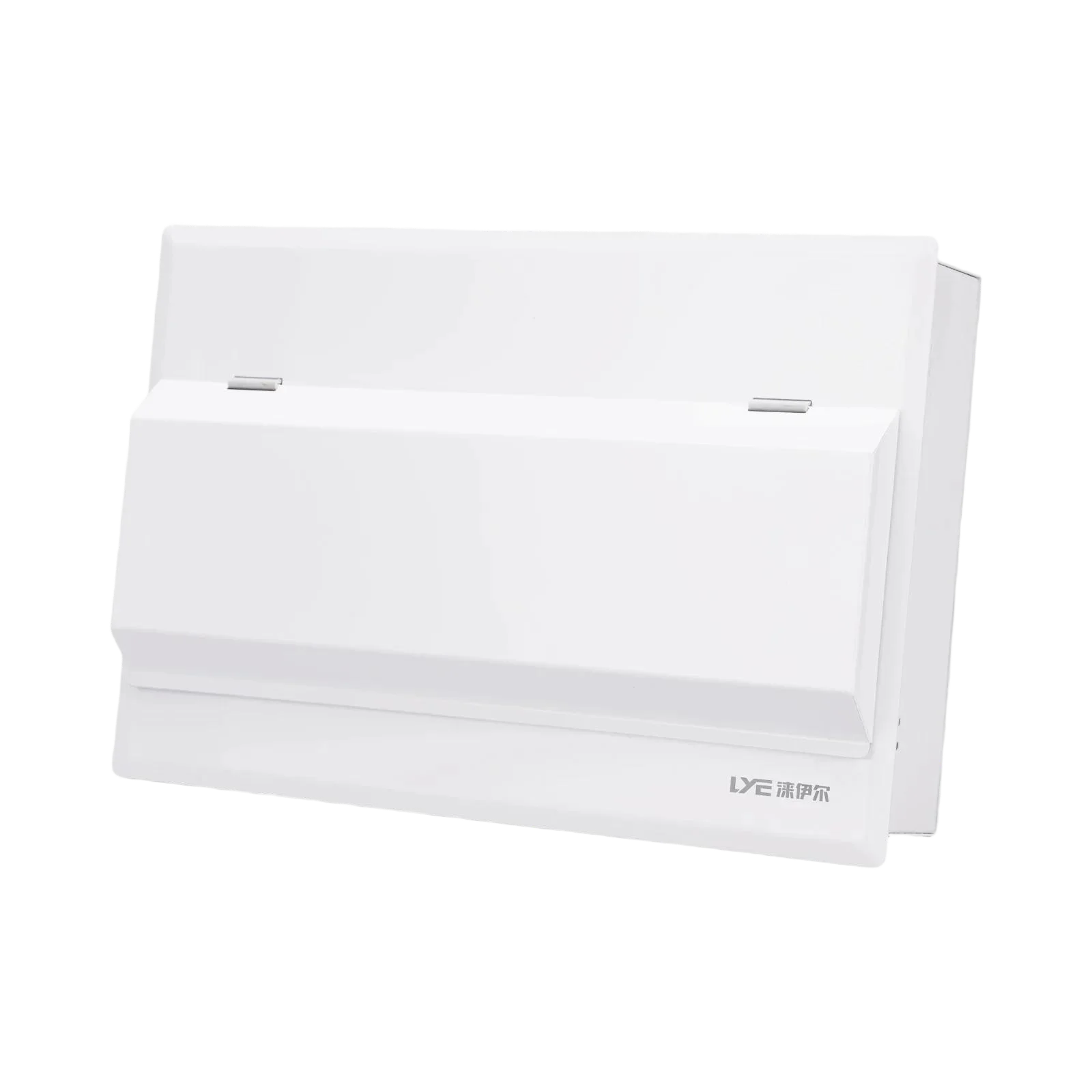
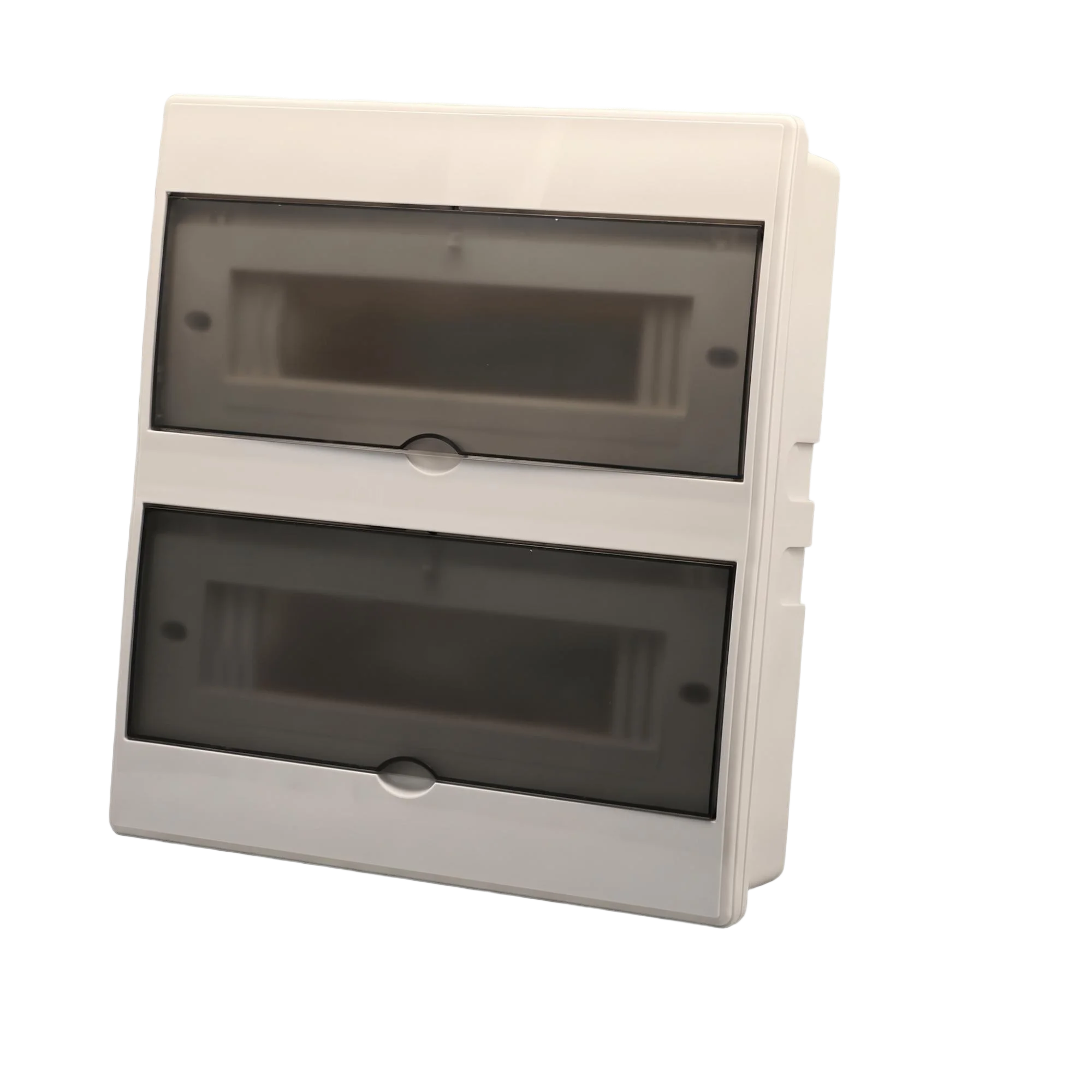
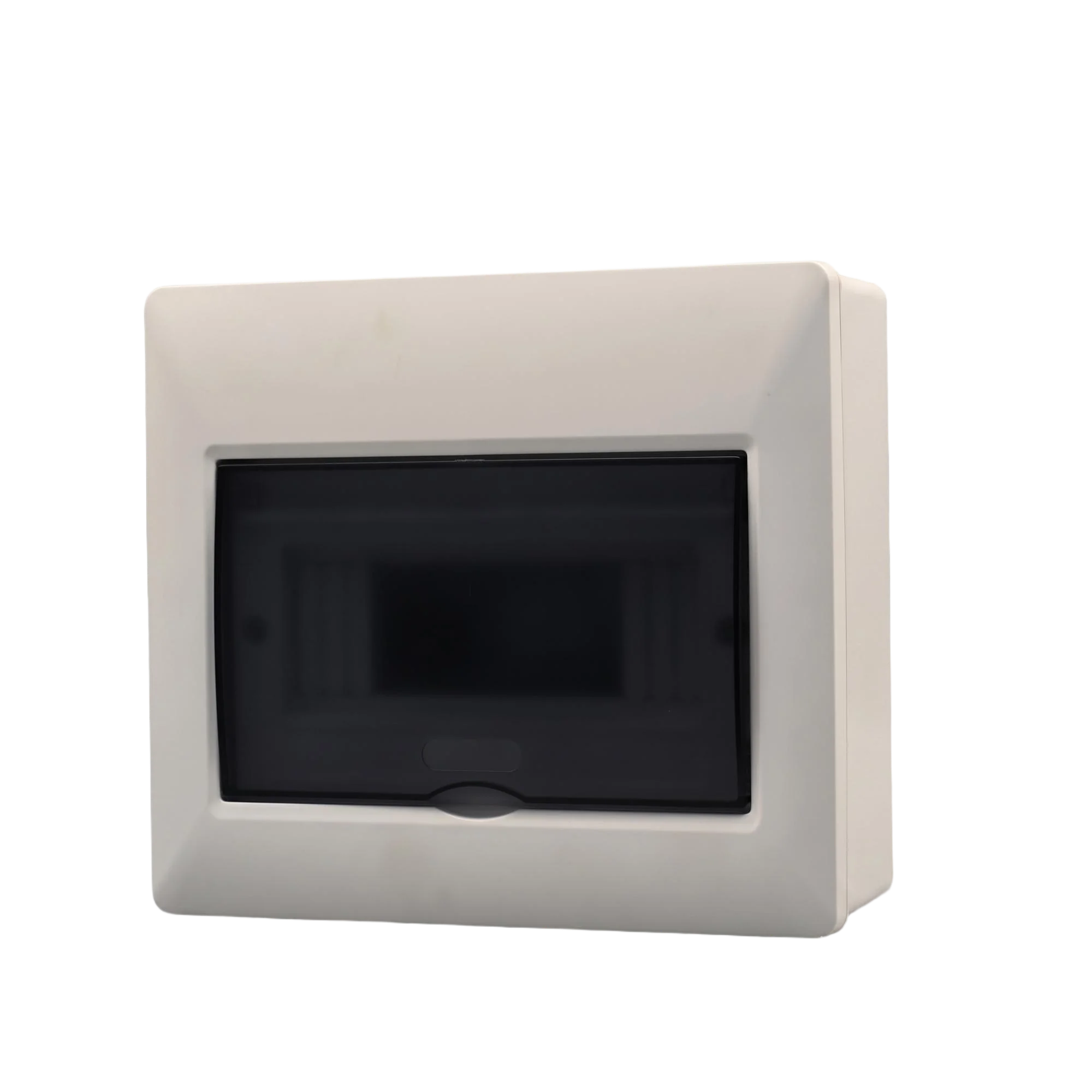
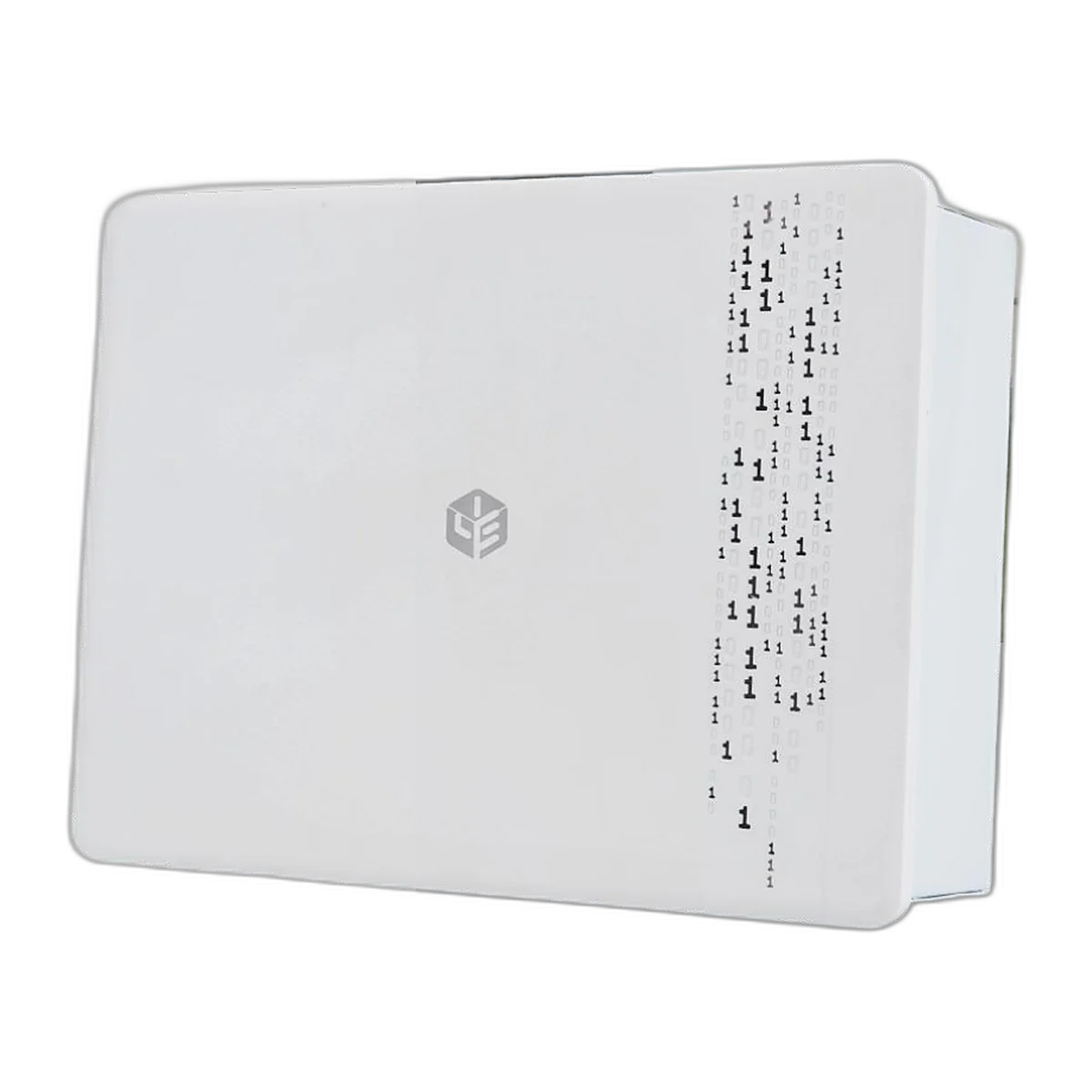
As the name suggests, an In-Wall Media Box covers two different products, and buyers are confused when they receive the wrong type after ordering either type.The first type is an enclosure that has been designed for the installation of cables and a streaming device behind a wall-mounted television. In contrast, the second type is a structured cable cabinet that terminates fibre optic cables as well as copper cables and has the capability of providing power for the entire apartment, typically referred to as ‘Multimedia Information Boxes’ in Asia and ‘Media Panels’ or ‘Smart Panels’ in North America.
Quick answer: The price of a basic plastic AV box is around $8, whereas the price of a designer/glass-front Multimedia Information Box is $90. Prices for Steel and IP65-rated units are between the two extremes. When making your choice, the specifications that matter to you will be Depth, module holding capacity and if there is power inside the box.
The sections that will follow will separate the two products and will explain what goes inside a Structured Cabling Box; the types of install that are available, size and/or Depth arithmetic for selecting cables, how you would choose a Multimedia Information Box based upon the room and type of dwelling that it will be installed in, the Power details of a structured cabling box (which are often overlooked), the Materials used in the manufacture of structured cabling boxes, the front panels of structured cabling boxes, Price bands, what should be specified and where LYE fits within the Manufacturers that produce them.
What Is Covered by This Term
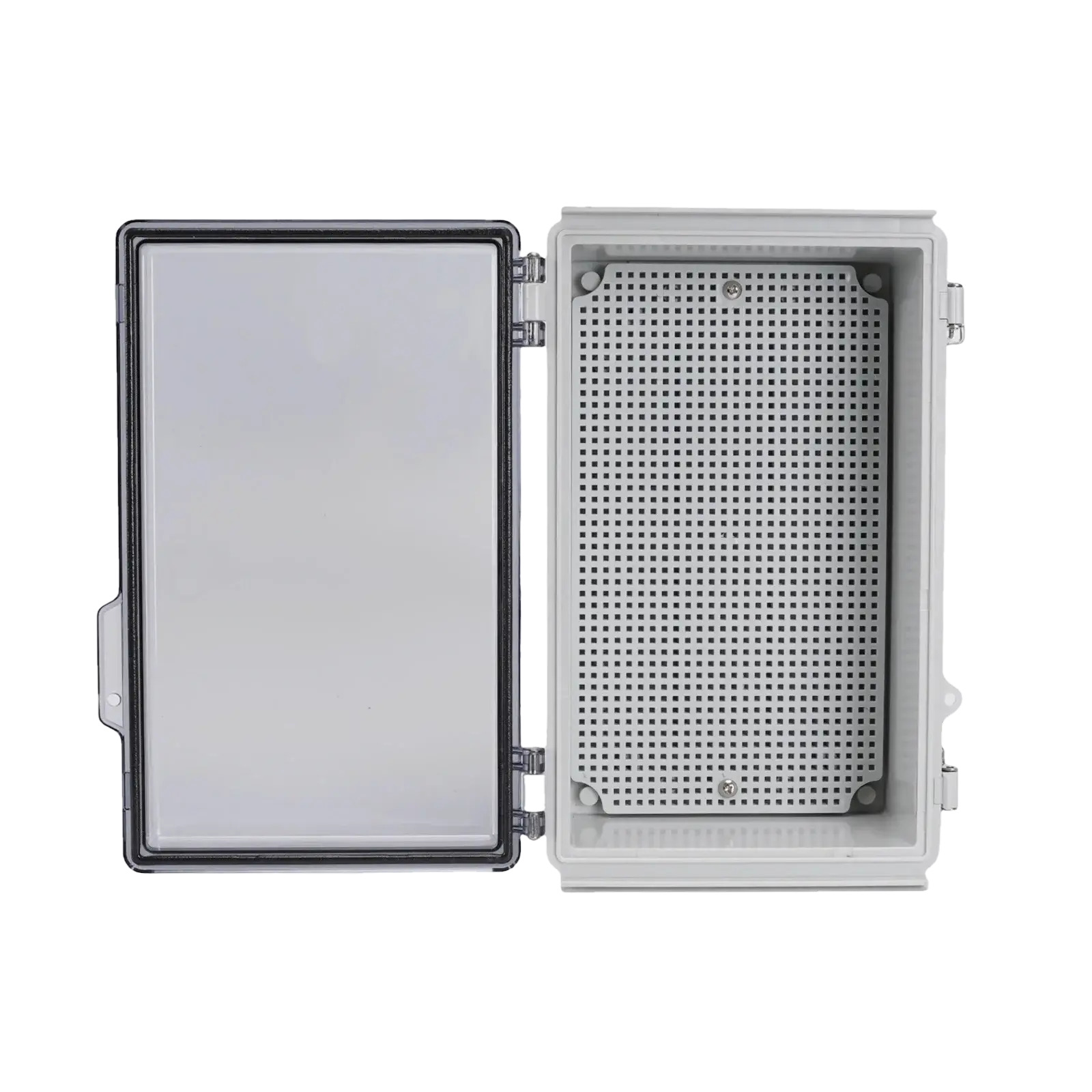
There is a lot of varied search demand for this product type, which is broken down into at least 6 different names that do not mean the same thing. They are all terms for the shallow box located behind a television: In-wall Media Box, Recessed Media Box, TV Cable Box, Cable Management Box, and AV Enclosure. They are also terms for the larger cabinet that is used to serve the entire home: Multimedia Information Box, Media Panel, Smart Panel, Weak-Current Box, and Structured Cabling Enclosure.
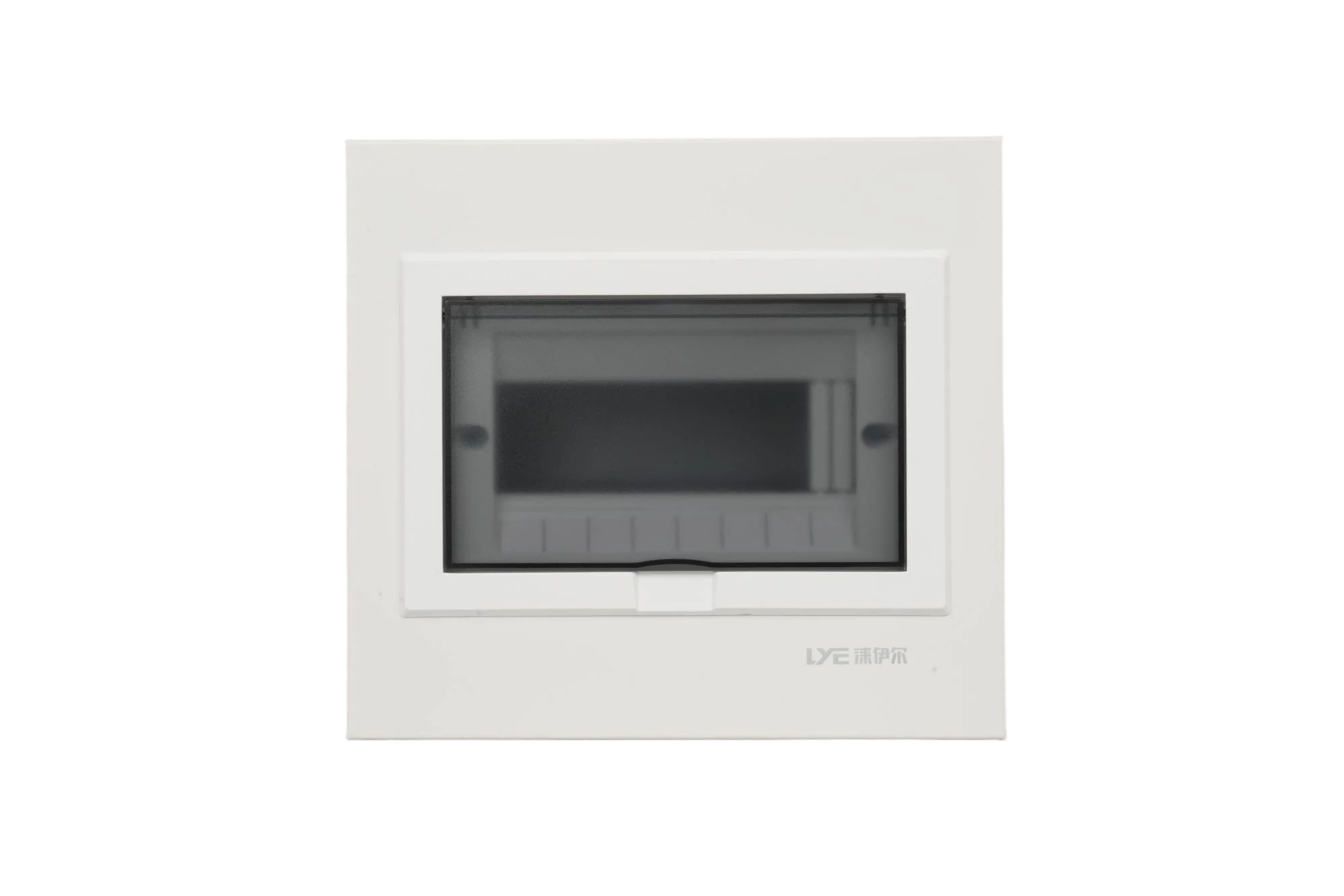
This difference is more than semantic; an AV box is a hole in the wall covered with a plate and designed to hold a small power supply and allow for the passage of an HDMI connector, while a Structured Cabling Box is a small cabinet with mounting plates or a flat surface, cable entries, a door, and usually a power outlet located inside. If you need a Structured Cabling Box and buy an AV Box, your fibre cannot be terminated, and if you need an AV Box and buy a Structured Cabling Box, you will have a cabinet in a first-floor hallway where a picture was supposed to hang.
In addition, a third product appears in search results that are not a box at all: Streaming Set-Top Boxes. Many search queries for a Multimedia Information Box with a remote, or searching specifically for 4K Playback, will result in the search for a Media Player rather than an enclosure. This article is focused on the enclosure because that is what is installed in the walls.
What the Two Products Are
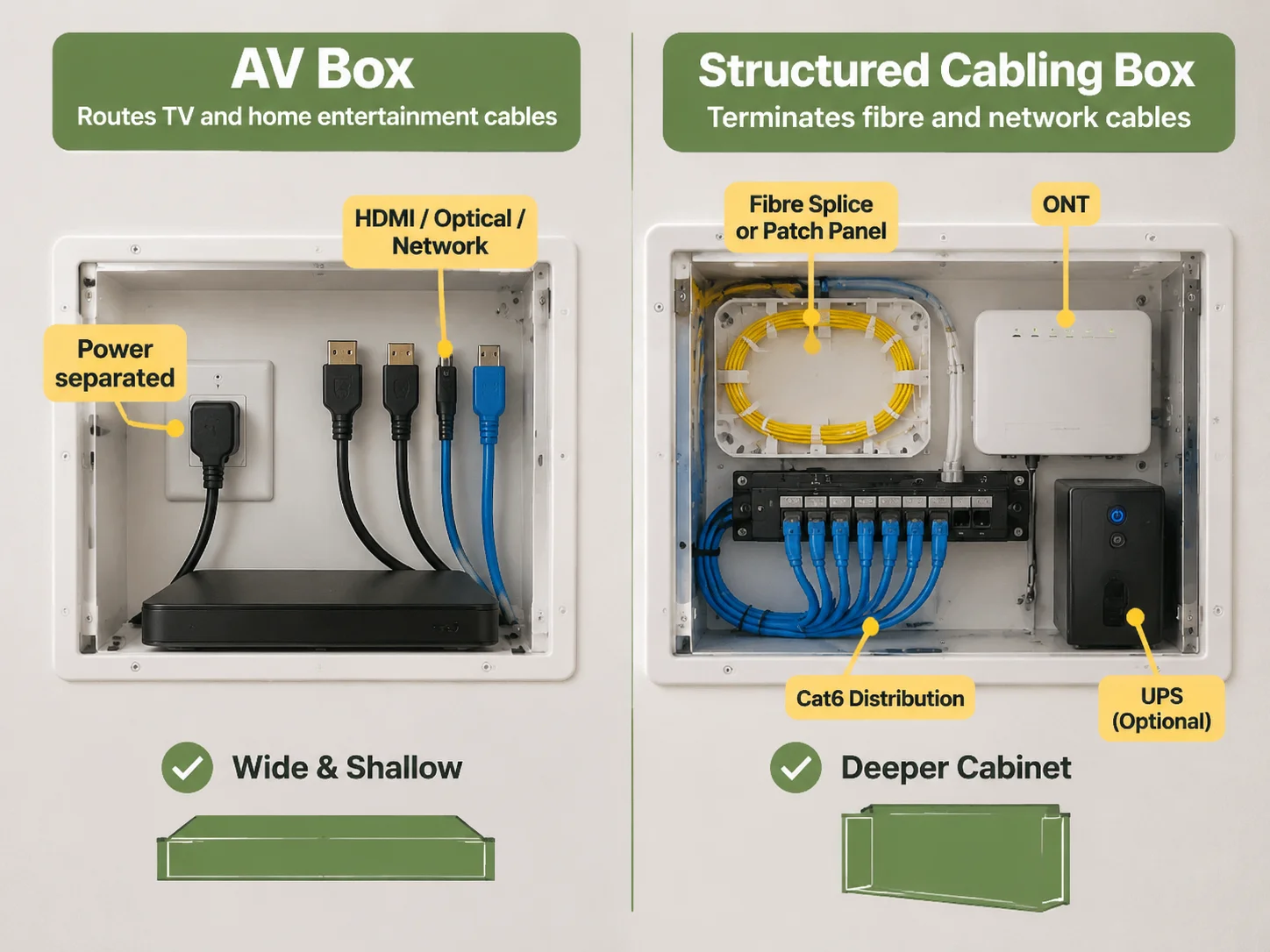
AV Boxes are defined based on what must pass through them. A modern television requires a power cord, usually one or two HDMI cords, in some cases an optical audio cord, and frequently a network cord. All of these cords must be routed to the wall inside the box without a bend that is tighter than the allowed bend radius for each cord type. Therefore, an AV box is designed to be wide and shallow versus deep and narrow, and there should be a separation of power from signals within the good-quality AV boxes.
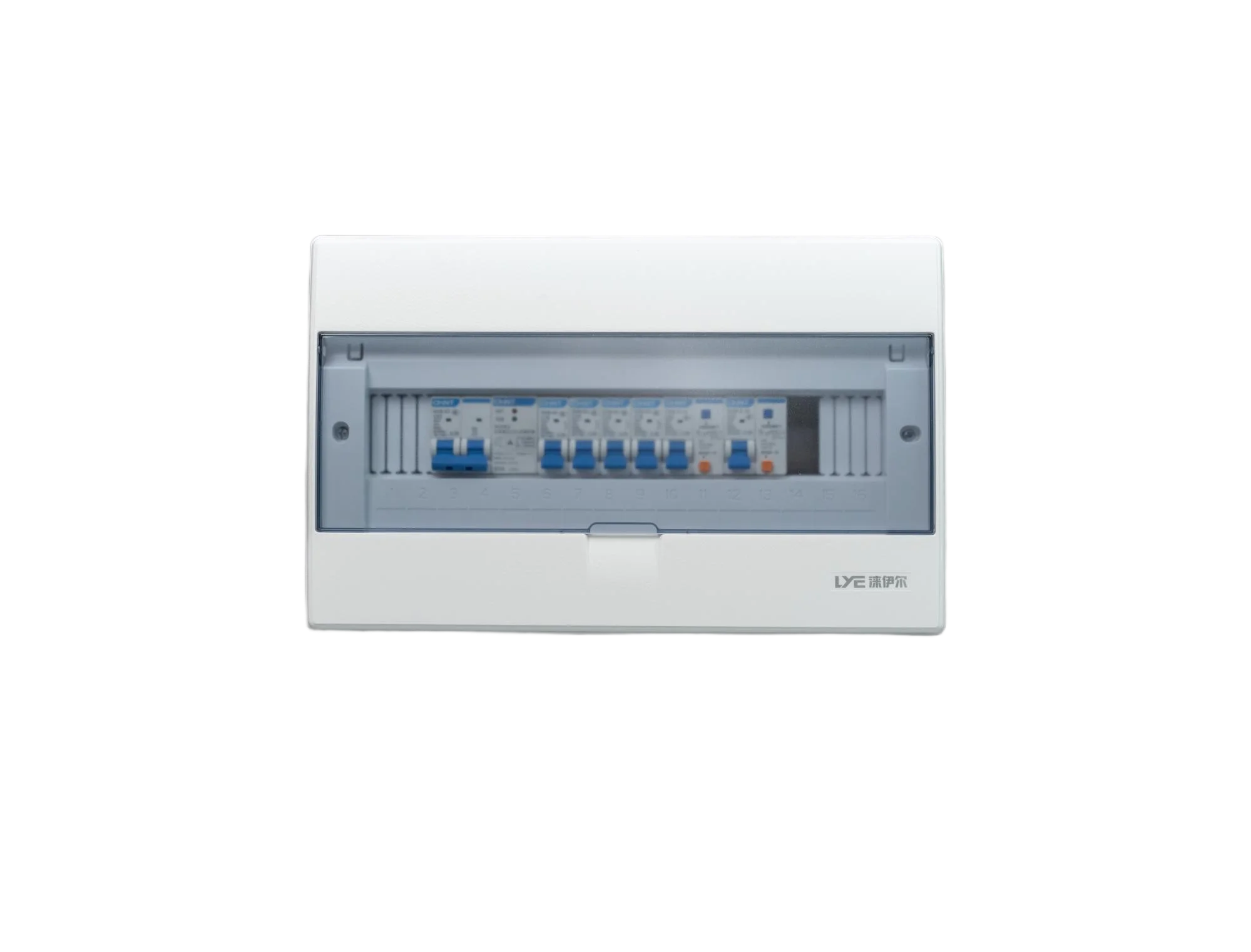
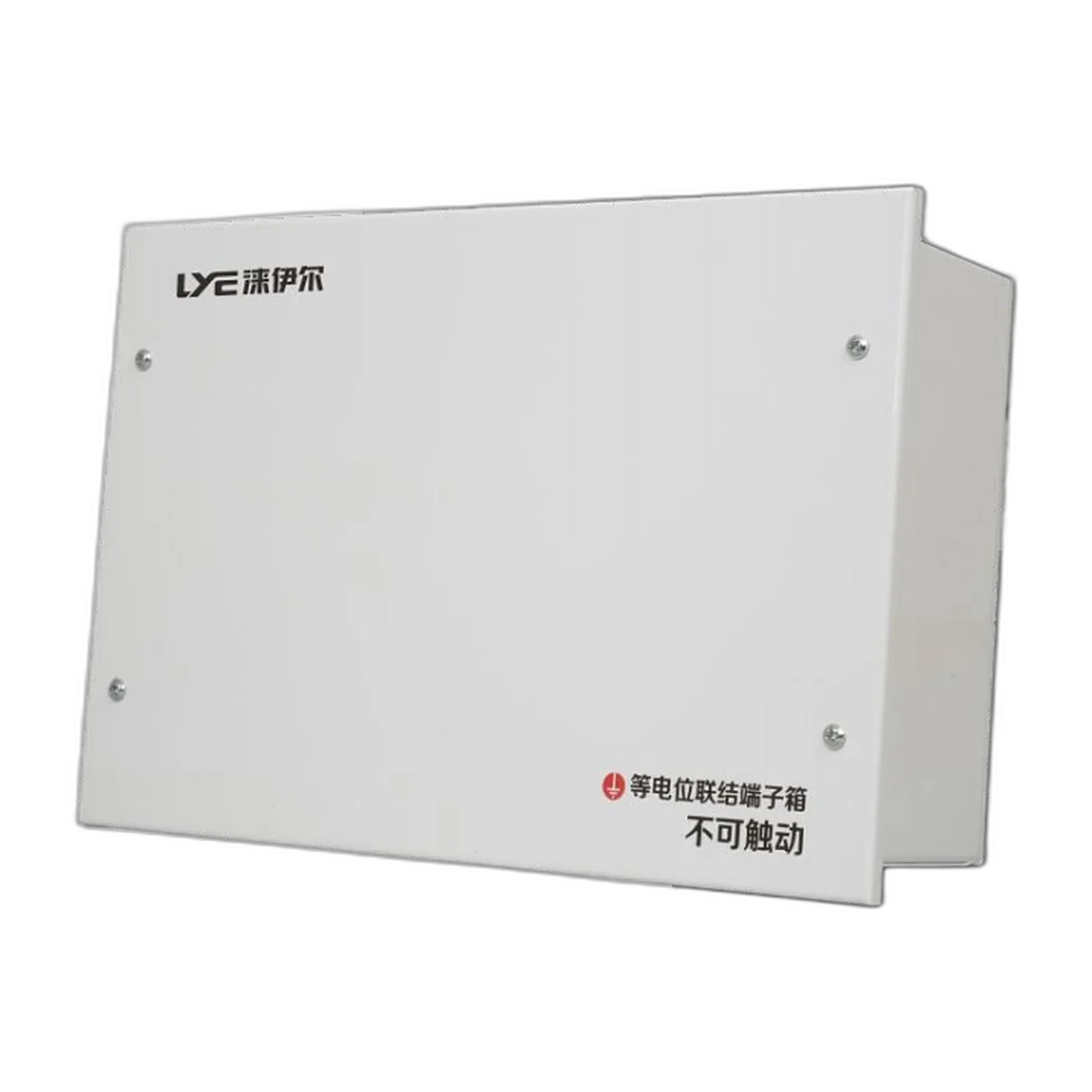
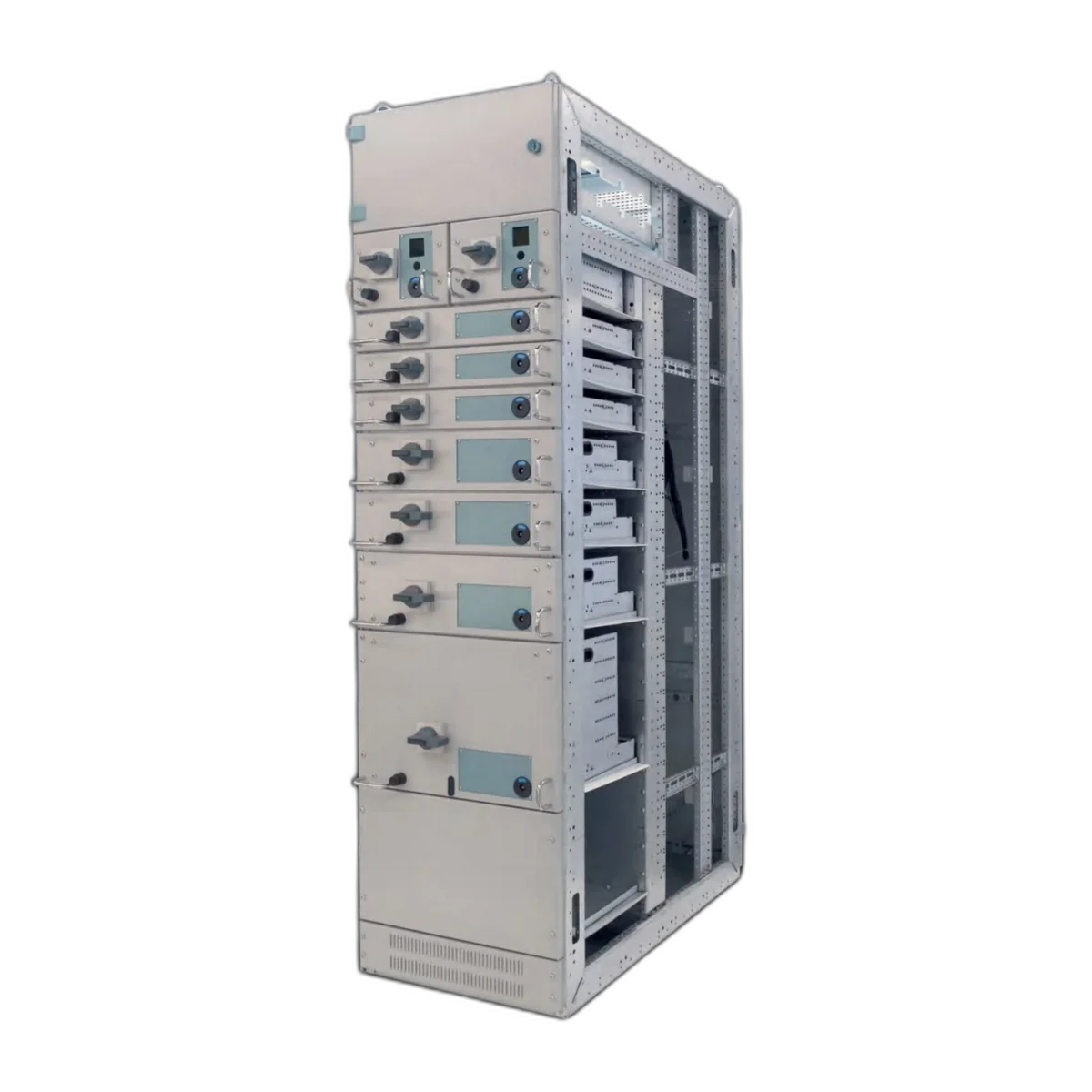
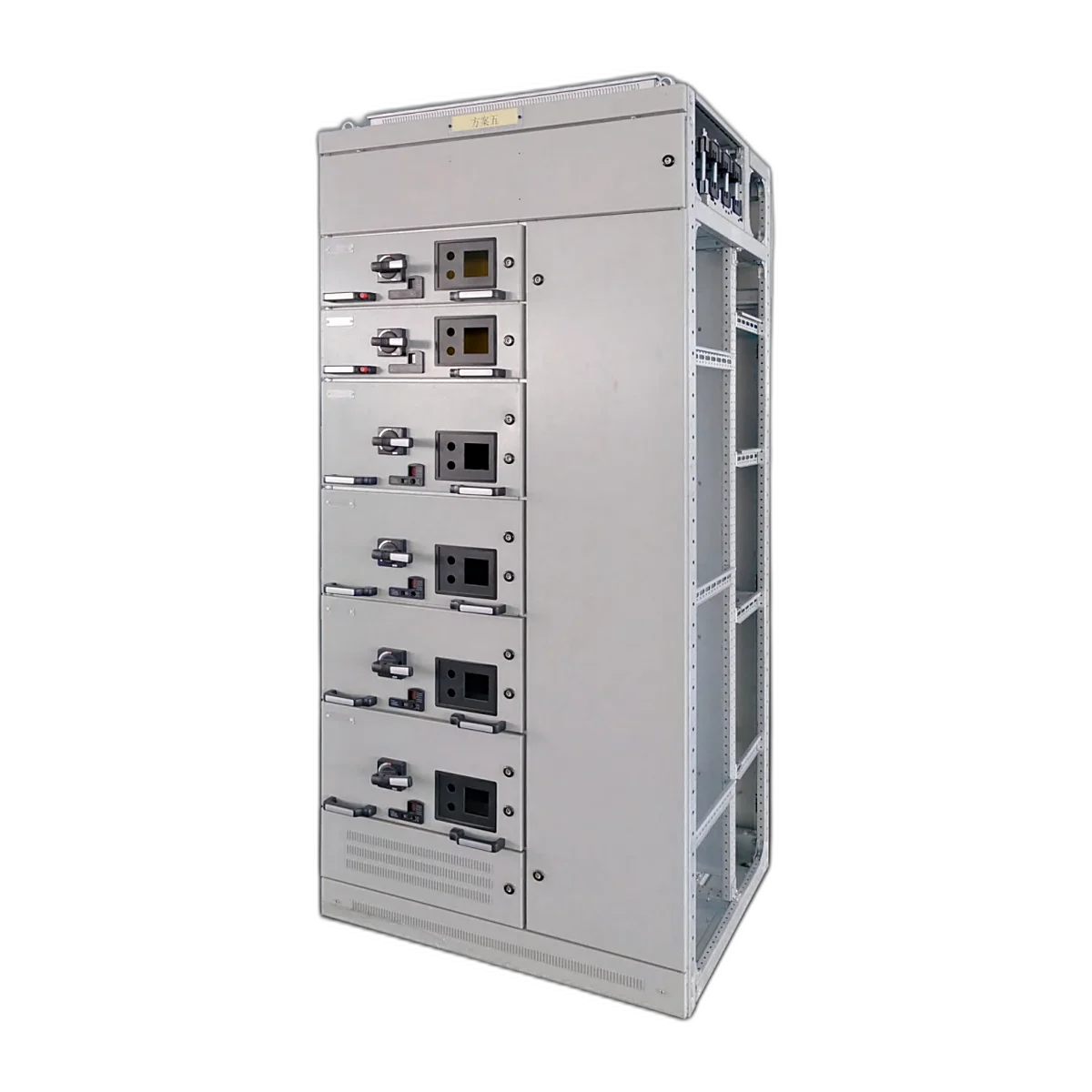
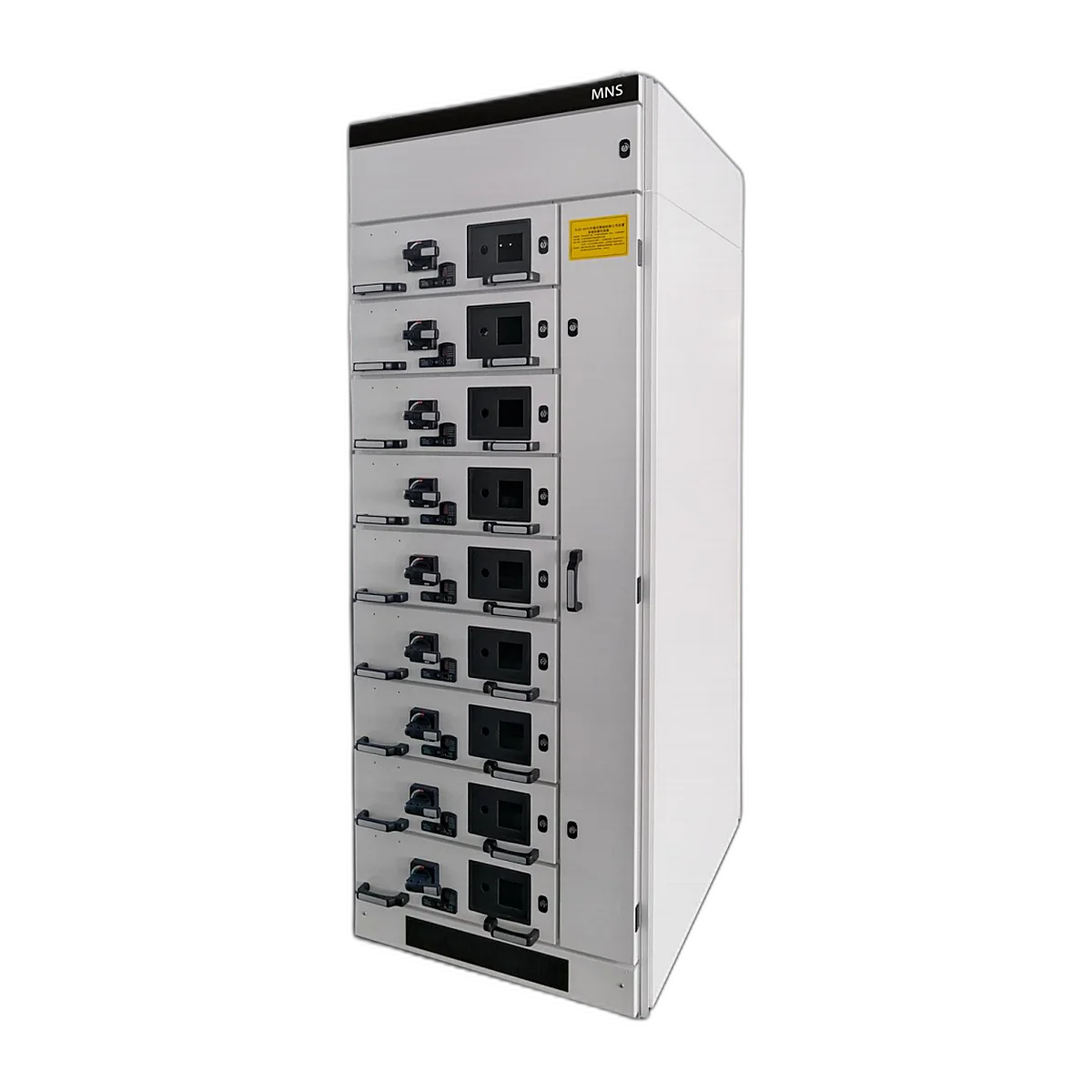
Structured Cabling boxes are defined by what they are terminating. The fibre will enter the box with either a pigtail or a drop cable and it will then terminate in a splice tray or through a fibre optic patch panel, then go to the Optical Network Terminal (ONT), which connects to a router or switch that will distribute Cat6 cables to the designated rooms in the house. The introduction of a power module, patch panel, and small Uninterruptible Power Supply (UPS) will mean the box becomes a cabinet rather than a box.
The two types of boxes are installed the same way, which is to say the enclosure must be in the wall prior to the plaster being applied and wired prior to the plaster being applied. If a box is too small or shallow, it cannot be fixed unless the wall is opened to make the room larger.
What You Should Place Inside a Structured Cabling Box
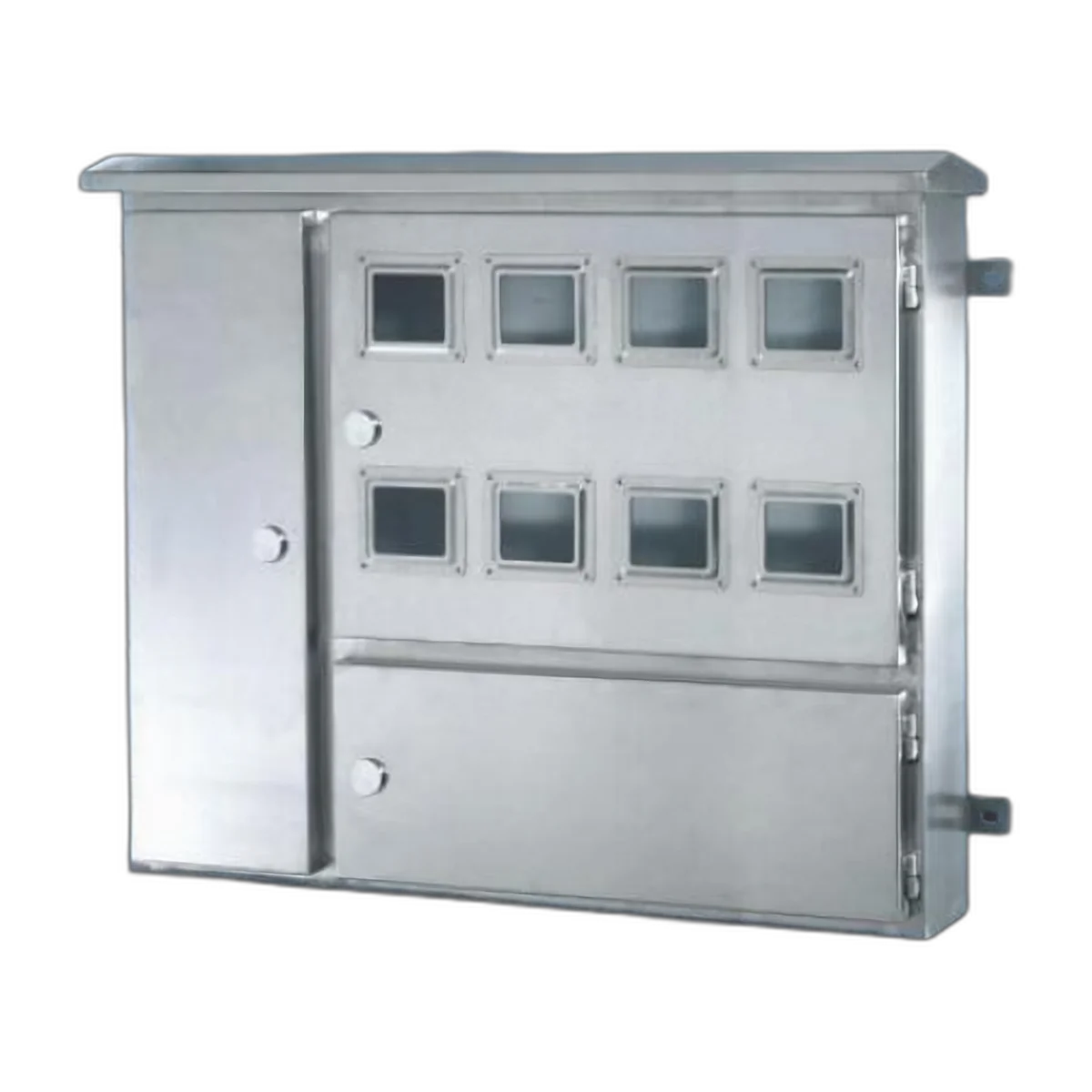
Six common items that will be found in a typical residential structured cabling installation must have a designated location in your structured cabling box. The fibre entry and splice tray are where the incoming drop cable connects and is housed. The Optical Network Termination point (ONT) serves as the interface between the Optical Network and the Ethernet and is typically supplied by the ISP. The router or switch may also be supplied by the ISP, but if not, the consumer will need to provide it. The consumer needs to use either a patch panel or Keystone modules to terminate the outgoing Cat 6 cables. The consumer will also need to purchase the necessary power supply and UPS (Battery Backup) for the ONT, Router and/or Switch. Finally, if there are any components inside of the equipment box that would generate heat, then a fan or ventilation holes must be included in the product design.
The ONT, Router/Switch, and eight Cat 6 cables all require a specific number of physical ports to connect to; however, a product with four physical ports would be a completely different product from one with eight physical ports and the price difference between these two products is not nearly as vast as it would be if the consumer had to rework the same physical ports for either configuration. Therefore, when determining the proper chassis size for the installation of an ONT, Router/Switch, and eight Cat 6 cables, it is best to increase the chassis size by one physical port above what the final product drawings specify for the installation, which provides the best protection in case of future expansion.
The type of cable used to lay out the cabling will also determine the bend radius as well as the distance that you must maintain from any cables running parallel to one another. The TIA-568 (Residential Cabling Standards) and ISO/IEC 11801 standards cover the Residential sector and the GB/T 50311 Design Series for China – All three standards require a minimum bend radius (Cat 6-approximately 4x diameter and fibre drop cable-30mm). An area of a box 60mm deep cannot adhere to this bending radius with an eight-cable bundle; thus a box’s depth is not a desired dimension, but rather an important specification that the developer provides.
Types by Installation: Recessed, Surface, Modular and Outdoor
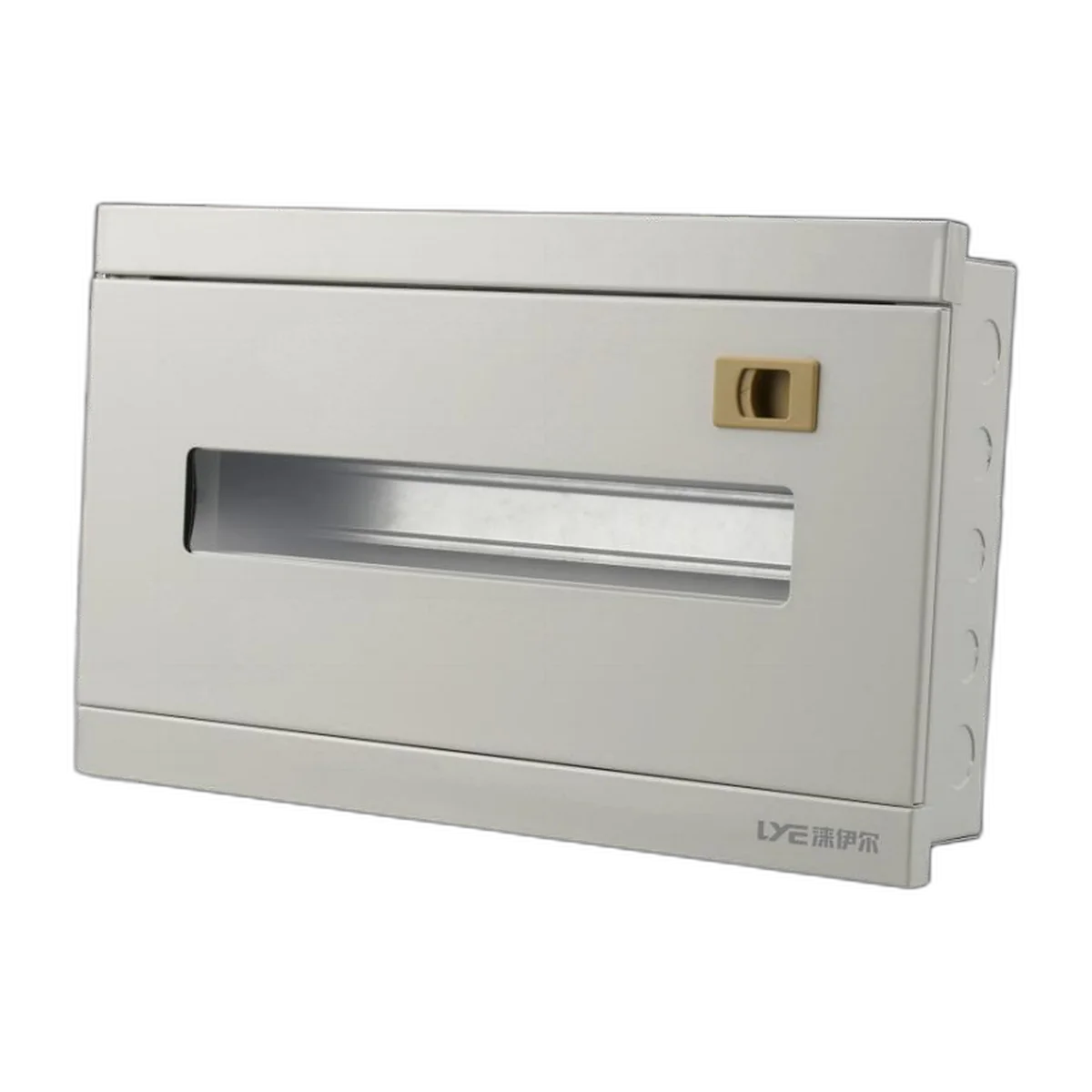
There are four distinct types of mounting methods available in the marketplace (recessed, surface, modular, outdoor). A Recessed Box is applied to a cavity within a wall and is to finish flush, which is the requirement of the finished apartment, whereas the retrofit box must open and utilise the wall to install the box and thus create the flush installation.
A Surface-Mount Box will mount to the surface of the wall, resulting in a projection of 100 mm to 120 mm; therefore acceptable when located in utility rooms or corridor cupboards and, very rarely, living rooms.
A Modular Box comprises a frame or chassis with interchangeable front panels and internal plates; therefore, the same enclosure can be built with the following front panel configurations: Glass door, plastic door or open frame. This modular style of construction, along with the fact that one frame satisfies multiple room types, results in a higher cost for modular systems than for other box designs, so the industry is standardising to modular system constructs in the future.
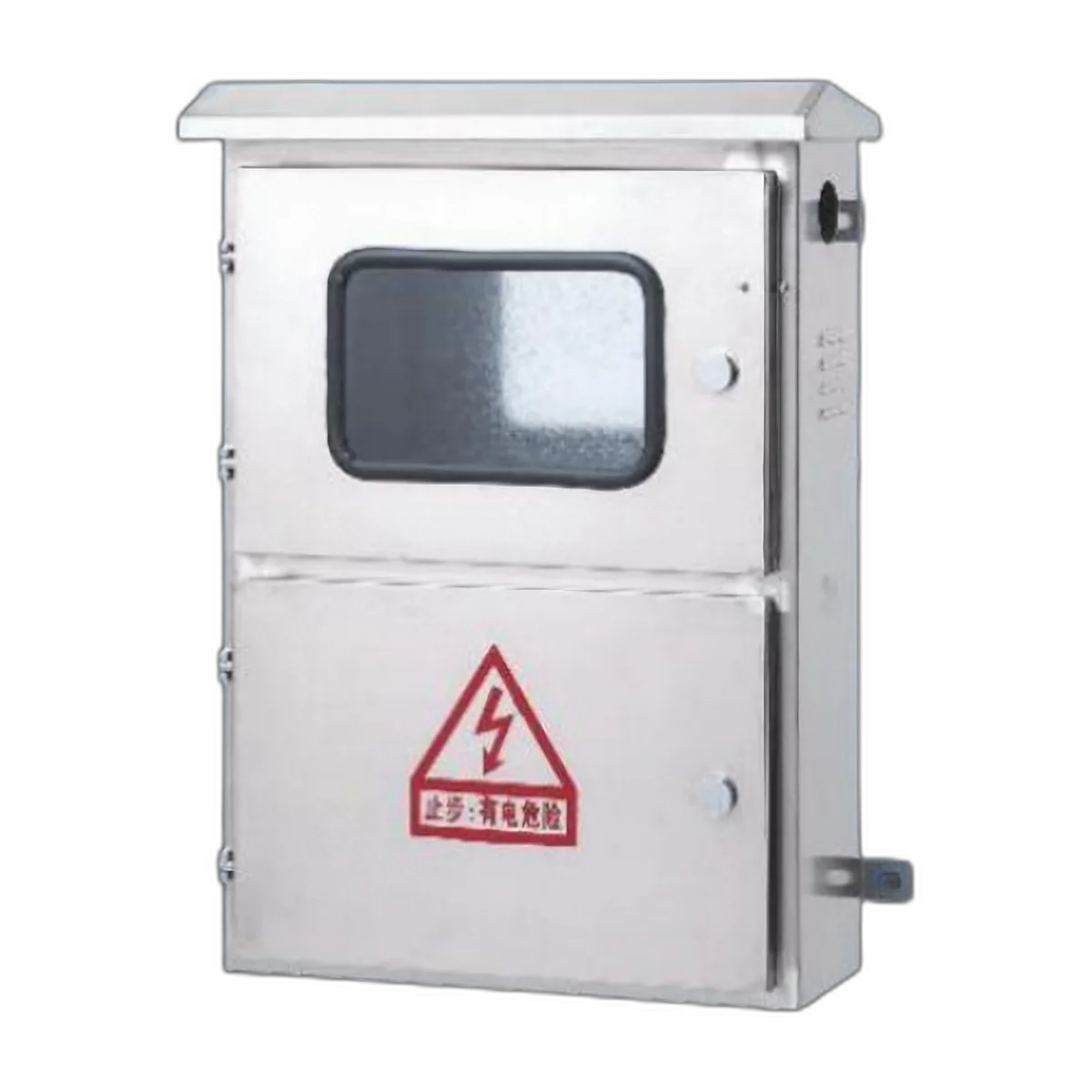
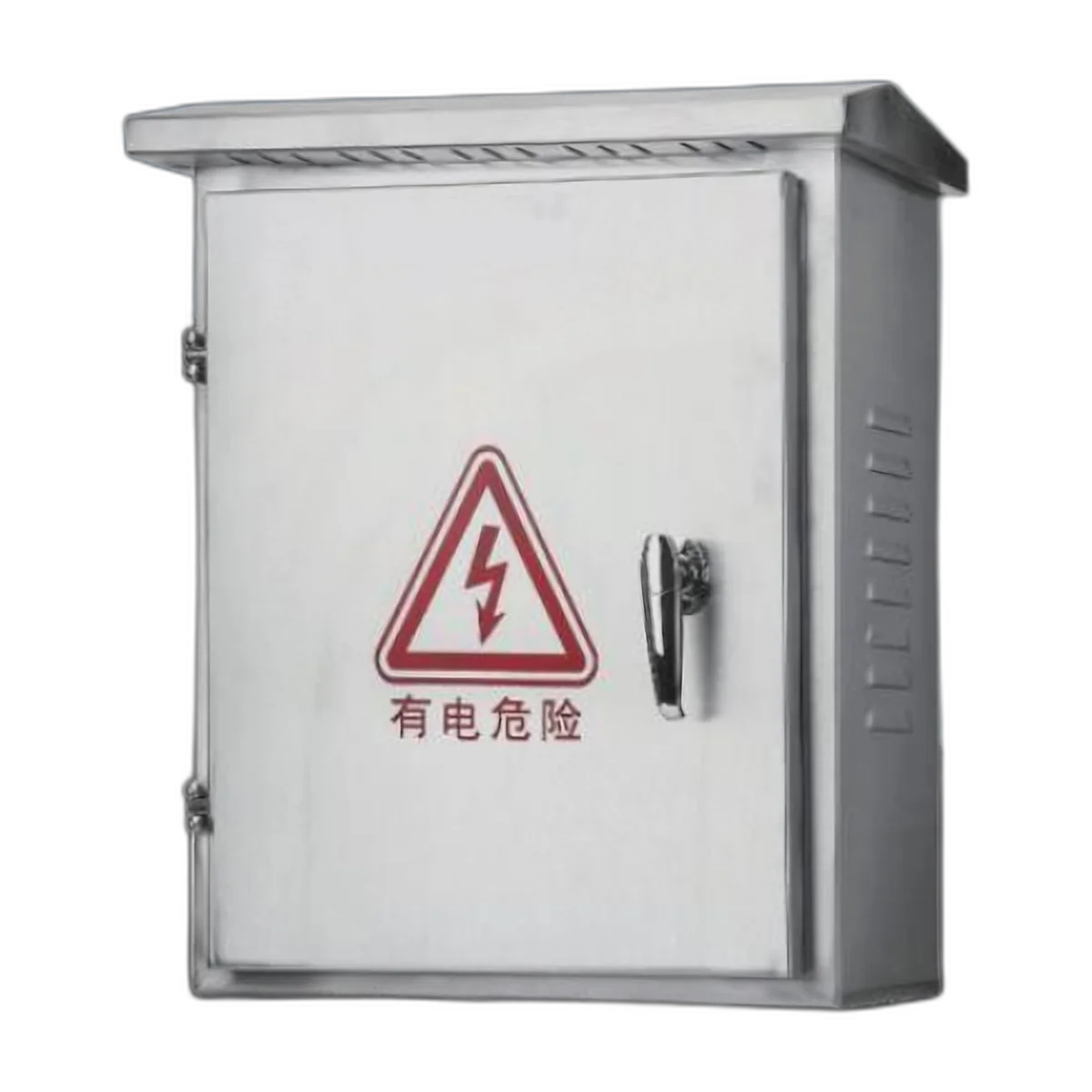
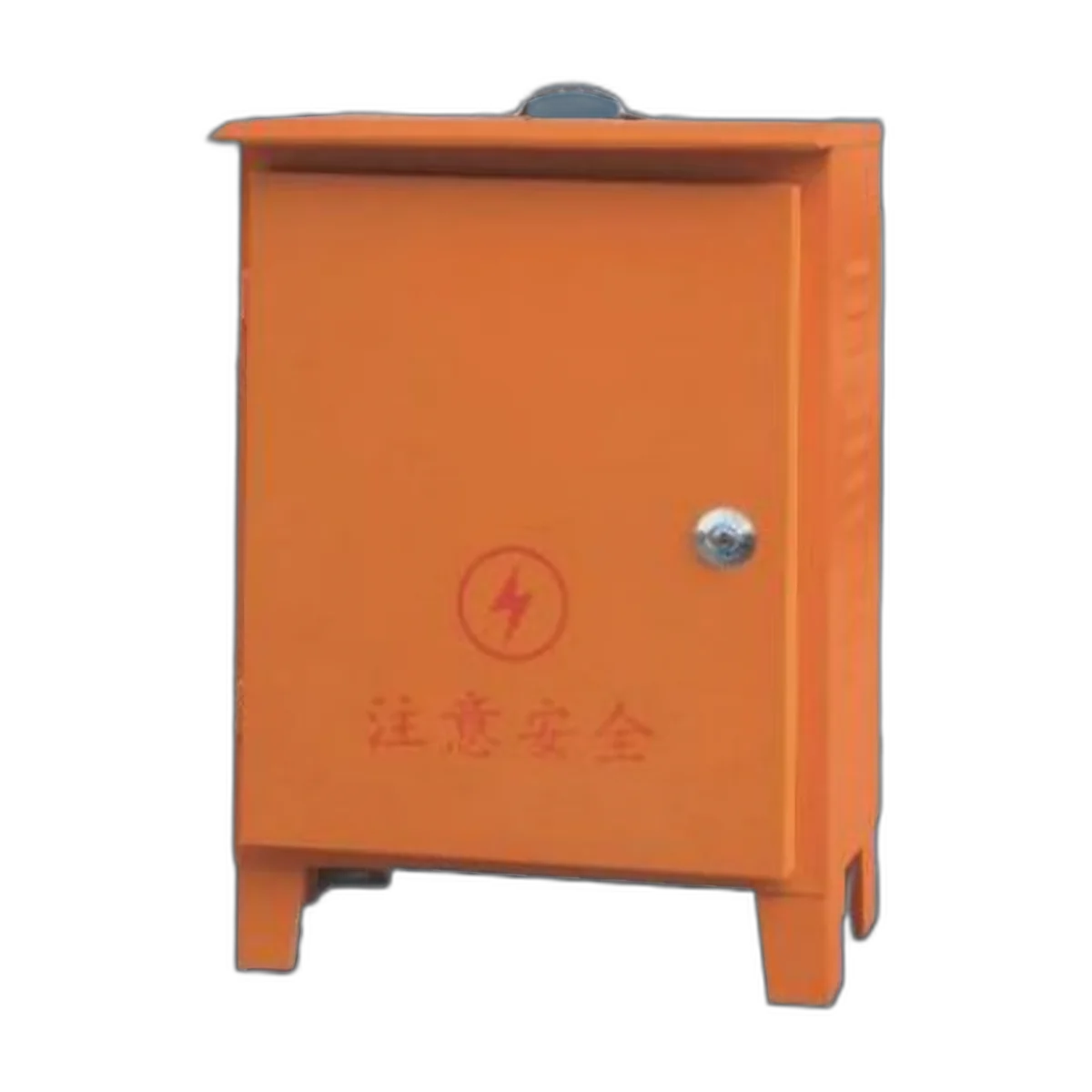
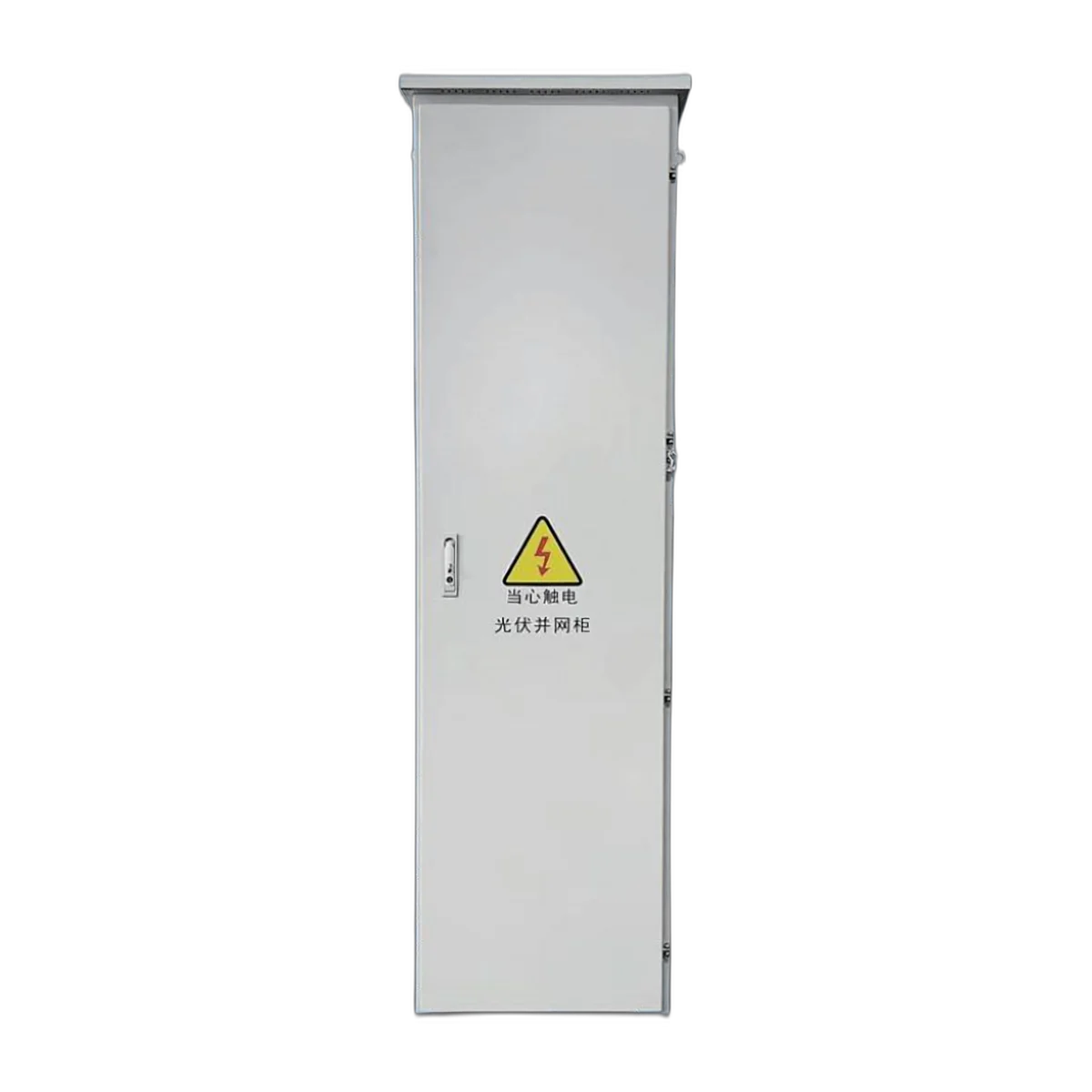
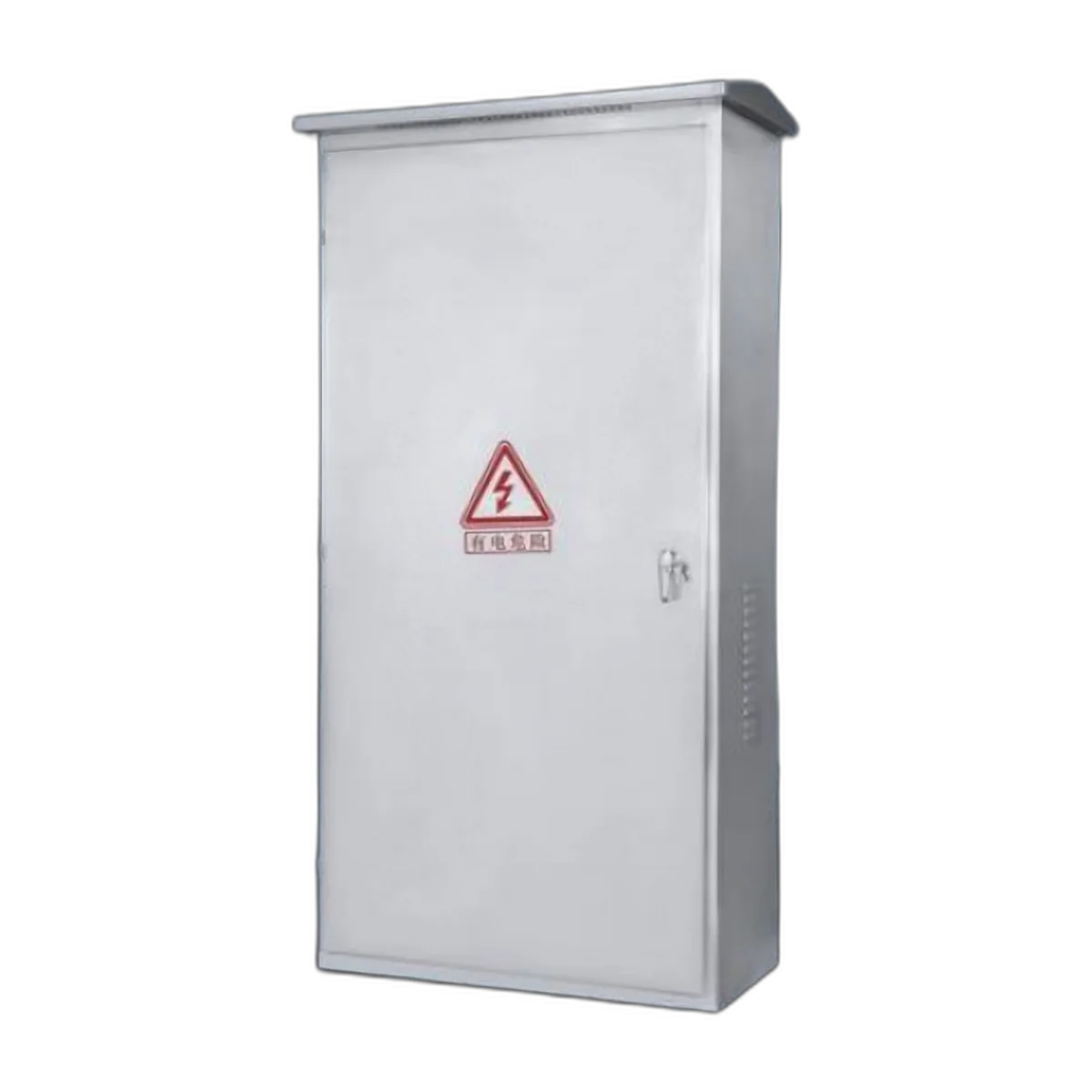
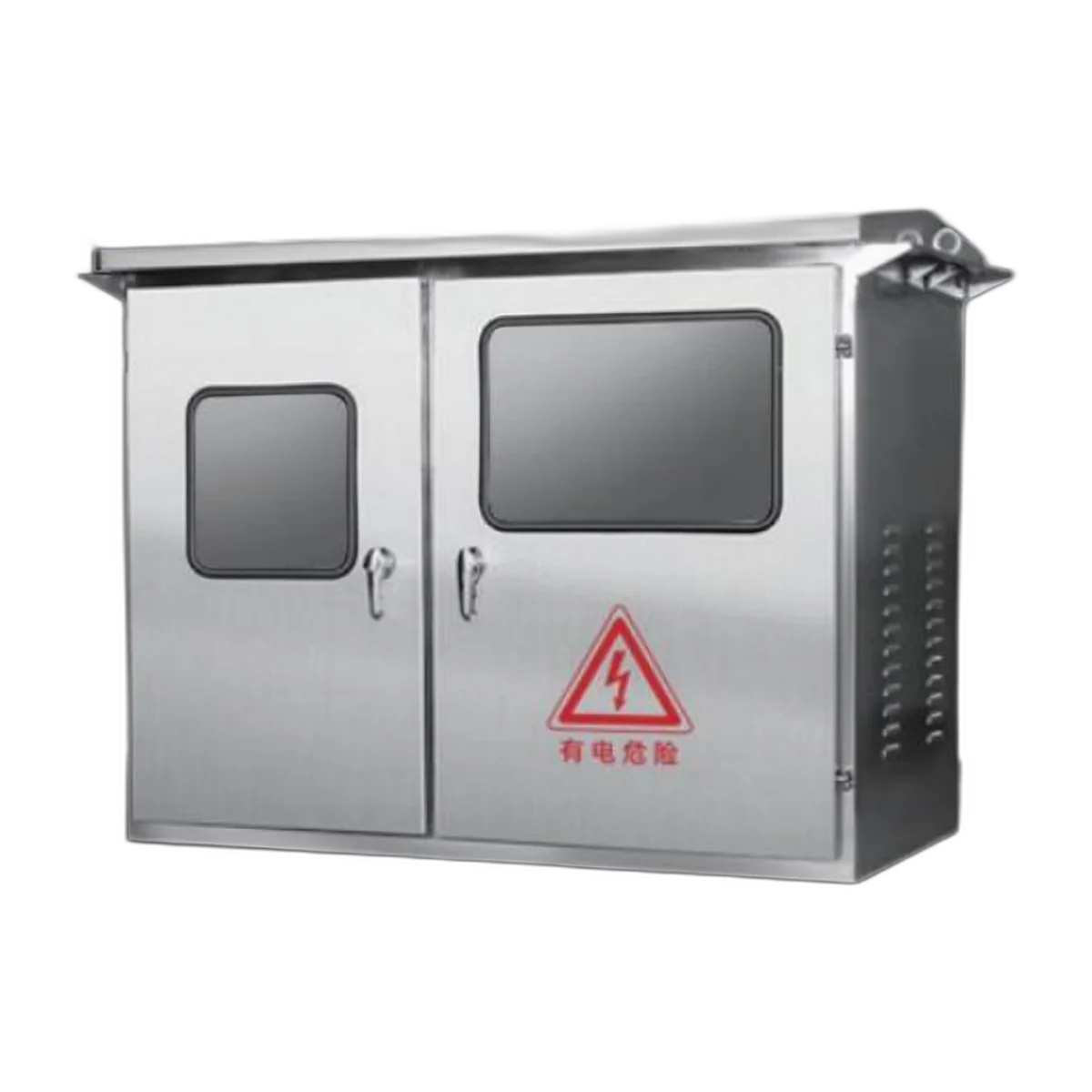
An Outdoor (Entry Box) typically has its own individualisation and is referred to as the IP65 rated enclosure. The entry point for either the Fibre or Copper will be a prolific entryway into a building’s exterior wall; therefore, it will need a Gland Suit and Entry Seal and a material that withstands UV.
In summary, we have a fibre optic Entry Box in our product range and its location is determined by the entry point, as opposed to in a room.
Size and Depth: The Numbers That Decide It
The size and depth numbers for the configuration determine the final installation numbers and the location of the installation.
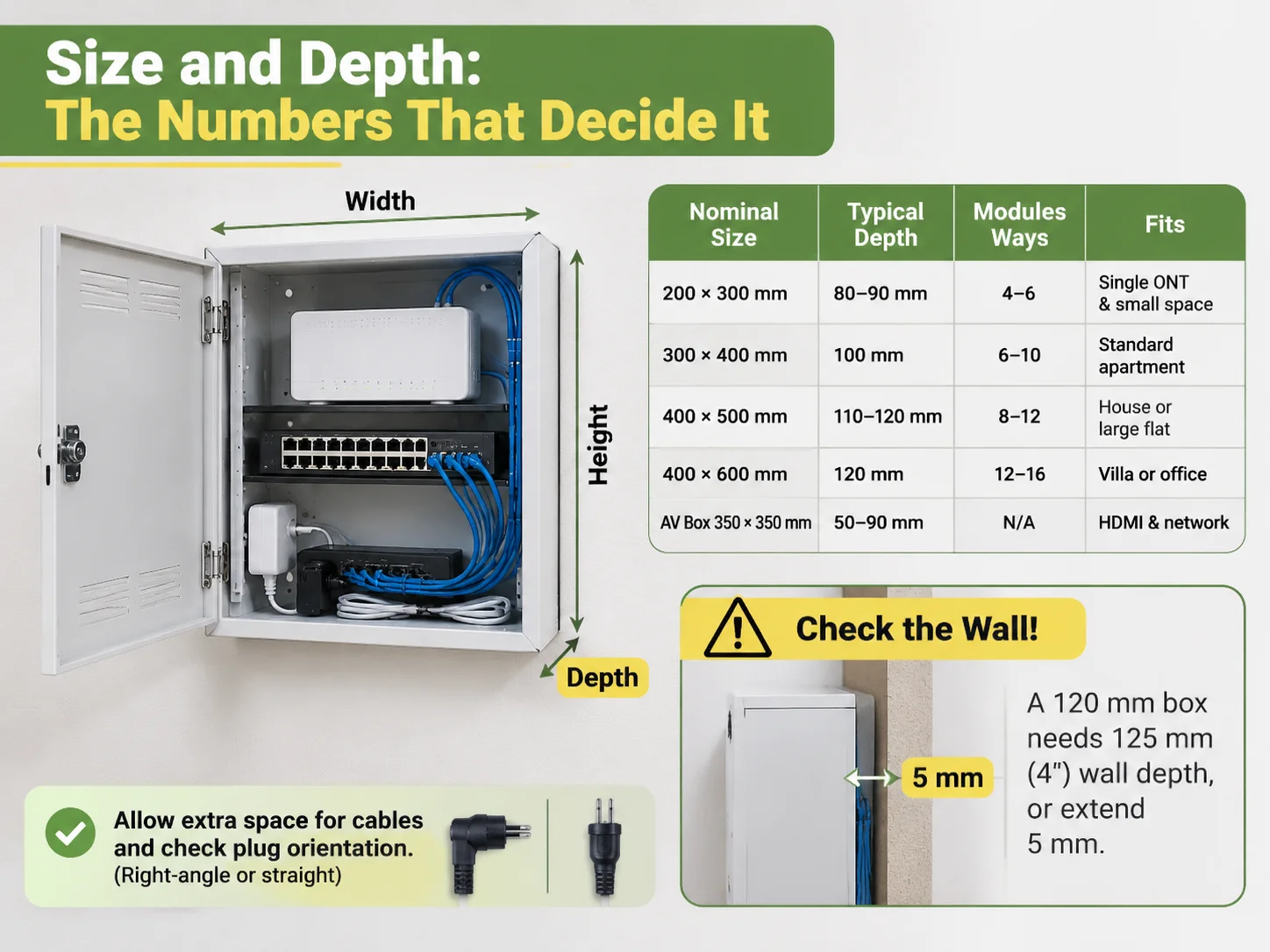
Three dimensions dictate module quantity: Width, Height and Depth. Generally, the Width and Height will be correct on the original drawing, but Depth can vary through bending/folding of cables and the location of power plug on the back of device; therefore, Depth will dictate how much space the cable can be tucked inside of device during closure. size of a vertical hardware cabinet comes from the four standard sizes with specific depths, as follows:
The nominal size of a vertical hardware cabinet comes from the four standard sizes with specific depths, as follows:
| Nominal Size | Typical Depth | Modules Ways | Fits |
|---|---|---|---|
| 200 x 300 mm | 80 to 90 mm | 4 to 6 | Single ONT and small apartment/1 distribution room |
| 300 x 400 mm | 100 mm | 6 to 10 | Standard apartment (ONT and router with 4 to 6 outgoing cables) |
| 400 x 500 mm | 110 to 120 mm | 8 to 12 | House or large flat (switch, patch panel, power module and other) |
| 400 x 600 mm | 120 mm | 12 to 16 | Villa or small office. Room left for UPS and fan. |
| AV Box 350 x 350 mm | 50 to 90 mm | NA | HDMI, power and network behind wall-mounted TV. |
When the depth is the failure point on a project, this means that once the above 300 x 400 mm hardware inventory is placed into the box with a moulded plug and Cat6 cable, the box door is not going to close. A successful plan is to determine how much room is necessary for other cables, and to add 20 mm to the manufacturer datasheets and also to check the orientation of the plugs; this is due to right-angle and straight-plug configurations.
The second dimension is the wall. For example, a 120 mm deep box installed against a wall that is 125 mm (4 inches) deep and TV cabinets will need to either extend past the partition wall by 5 mm or be installed into an interior wall. When determining how to install a box into an interior wall, the architect must first review these issues before the frame goes up.
Choosing Room Type and Dwelling Type
This is a practical solution; each dwelling has 1 distribution box, in addition to which there may be secondary/cross-distribution boxes in rooms where heavy AV is installed (as applicable).
| Dwelling or location | Box and mounting | Why |
|---|---|---|
| Studio/1-Bed Flat | Walls 200mm x 300mm, recessed, 6 module | One ONT & 4 cables = complete requirement |
| 3-Bedroom Flat | Walls 300mm x 400mm, recessed, 10 module | ONT, router, living room patching panel, 3 bedrooms |
| Detached House with Home Office | Walls 400mm x 500mm, 14 module | Switch, multiple distributions, UPS, & PoE possibilities |
| AV Wall-Mounted TV Living Room | Wall-mounted AV box + conduit to information box | 2 separate products |
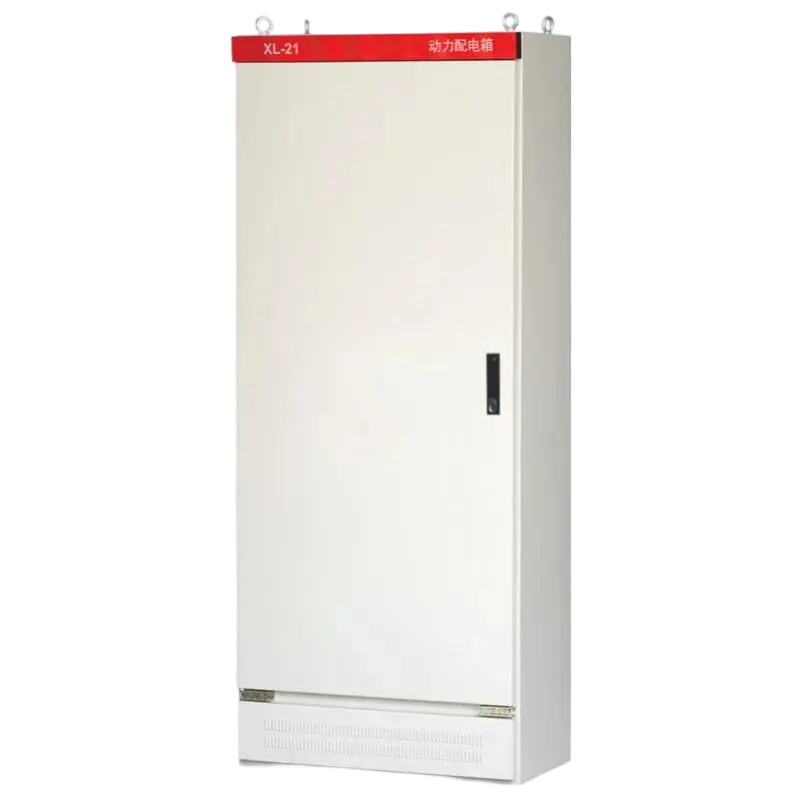
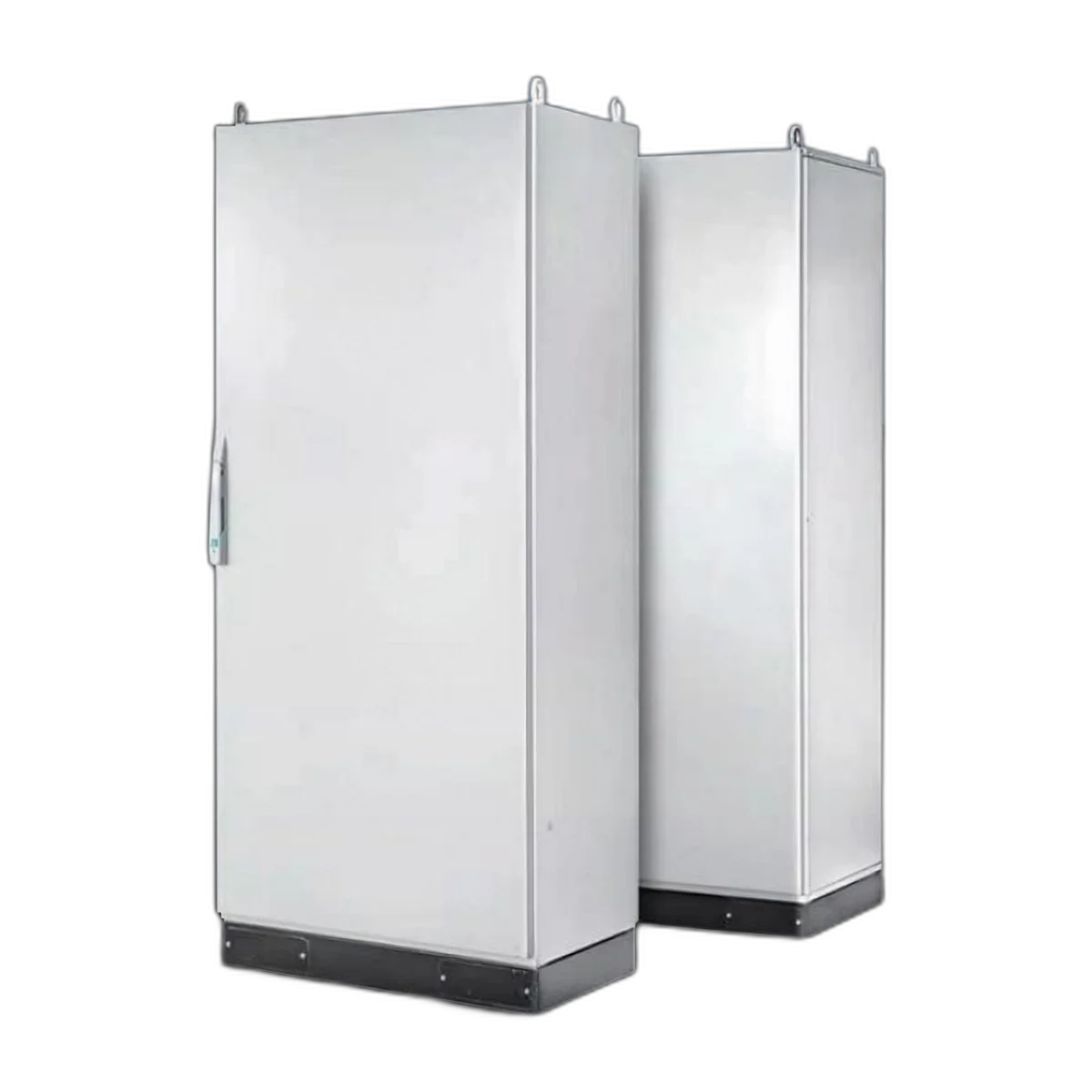
| Utility Room/Corridor Cupboard | Surface mounted steel 400mm x 500mm | No wall cavity/no visual impact |
| Entry Point External Wall | IP65 Entry Box | Gland entry/seal before entering the building |
| Hotel Room | Small recessed box, 4 – 6 module, lockable | Each room installed |
| Small Office/Clinic | 400mm x 600mm or small wall rack mount | More drops and ventilated equipment. |
In addition to the above, each selected size must include a 25mm to 32mm conduit from the information box to all AV locations to facilitate future upgrades. Conduits are less expensive than cabinets.
Each entry option can be listed as a separate product. At the exit point from an external wall for fibre-optic cable, a boat-type fibre-optic entry installation involves both wet and dry environment conditions and the end user will expect to see walls and bushes all protected. Boat-type installations can be well constructed but require a unique preparation for installation, unless employed in an indoor location.
Power Inside an Information Box
Many users think an information box does not have to provide power. When an information box is configured to include an independent power supply for an ONT, router, and switch (as compared to using a shared power supply), the ONT, router, and switch can only be powered independently by an individual circuit that remains permanently powered when the main circuit breaker for the home is turned off for an electrical fault. The best practice is to use either a dedicated circuit for that location or a circuit that does not share with other circuits. By using an isolated power supply unit, it allows the end user to operate their ONT, router, and switch simultaneously without being adversely affected by the home safely turning off for a fault.
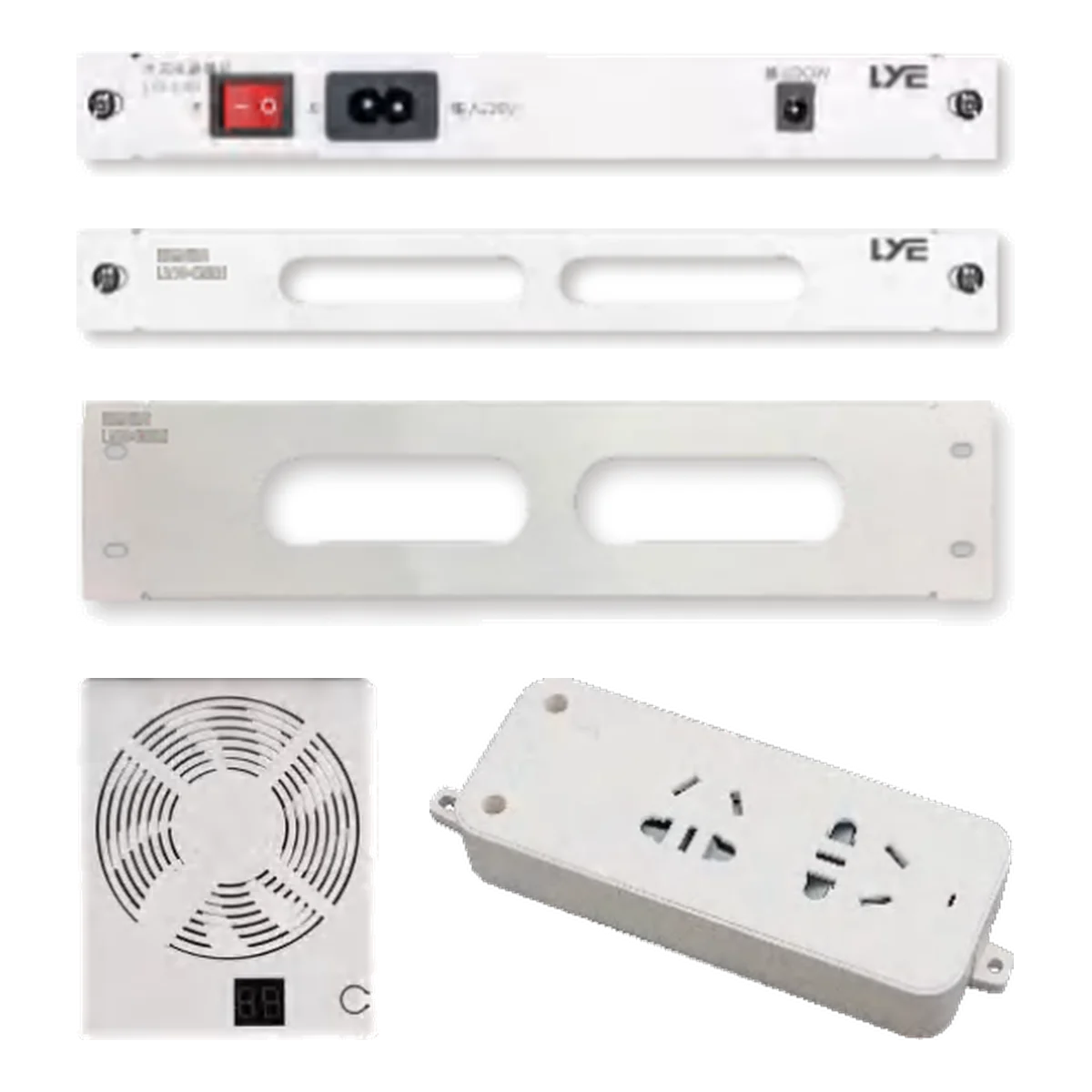
Power Pack (Power Supply) inside an Information Box: All too often, users are oblivious to the proper power supply unit used to install their ONT, router, and switch inside their information box when the power supply unit is actually a small component (such as a wall outlet[s]) attached to a mounting rail or panel with a switch or fuse as required by the NEC and manufacturer of the ONT, router, or switch.
The purpose for specifying a module is to ensure that end users will have an easy means of access to service these power supply units, easily remove unwanted equipment, replace these units and isolate service issues without having to remove the entire assembly to access the equipment inside the information box.
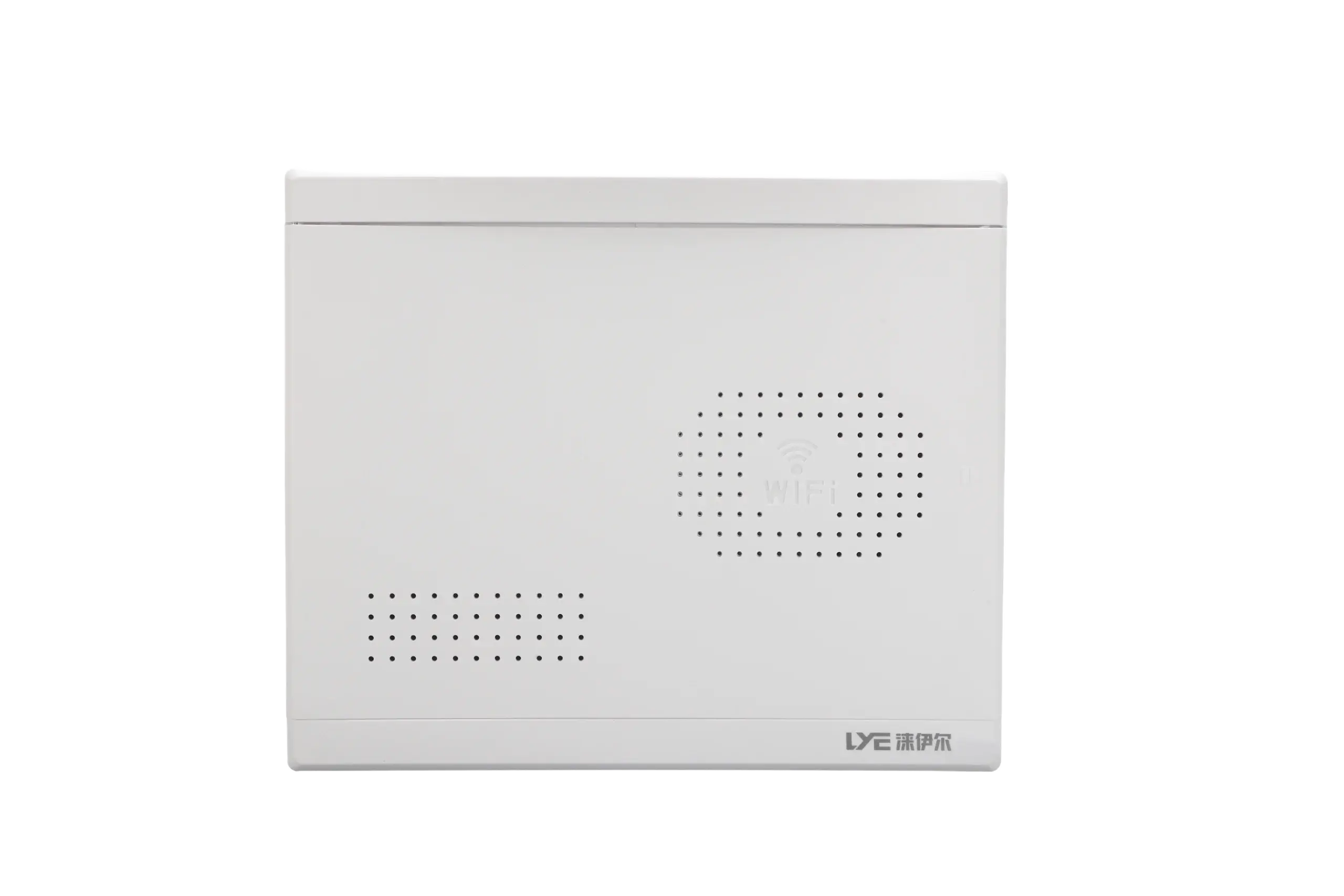
To date, two construction aspects have resulted in unsatisfactory installations causing deters to end users requesting another installation. The first issue is that many users use a plug-in transformer for their router and with no room to close the door when installing their information box there will have to be a redesigned assembly (i.e.: – either have a deeper enclosure or have the electrical sockets on the side).The second major factor is heat. An ONT and router located in a closed plastic box without ventilation will typically run 10 to 15 °C above ambient temperature, which can result in a reduction in the lifespan of both devices. The solution is either vents in the door, or alternatively using a metal front panel that dissipates heat away from both devices.
Materials Used for Enclosures and Front Panels
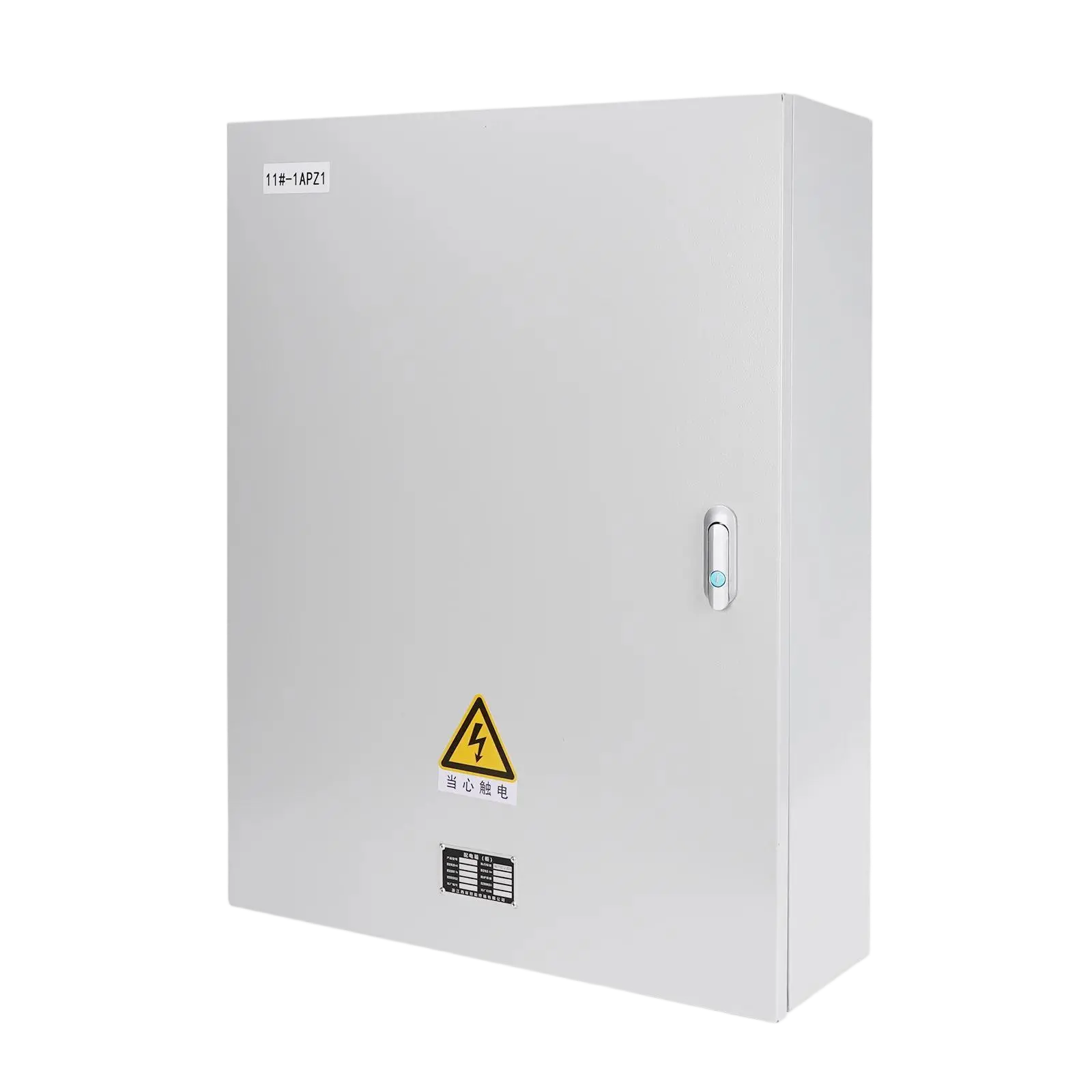
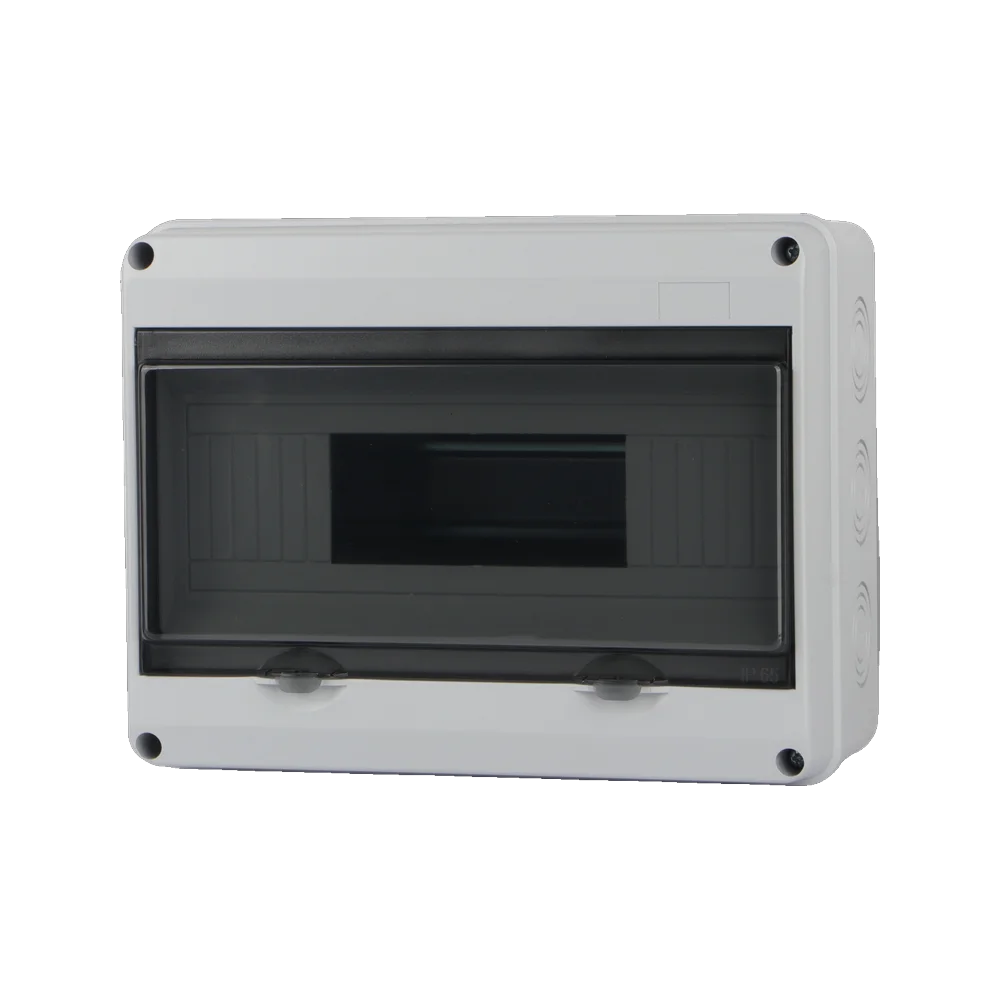
Standard materials used for the base of the enclosure are either ABS or PC/ABS for moulded enclosures, steel with powder coating or stainless steel for industrial applications in food, health care, and coastal locations. ABS is the predominant volume material; inexpensive, mouldable and adequate for use inside buildings. Manufacturers should choose PC/ABS as it is a tougher and more heat resistant alternative. Therefore, all equipment housed inside an enclosure should be made from this material to prolong equipment life.
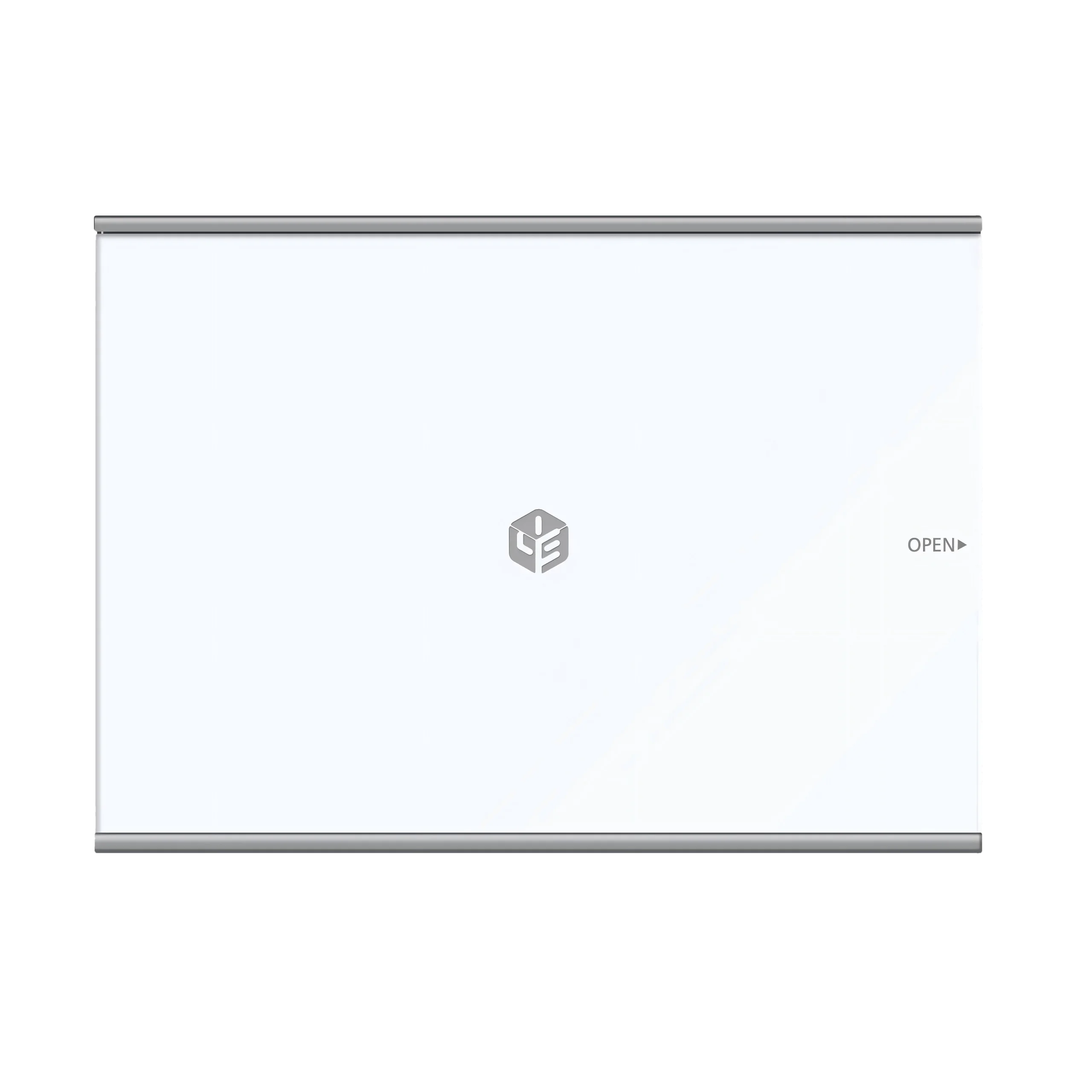
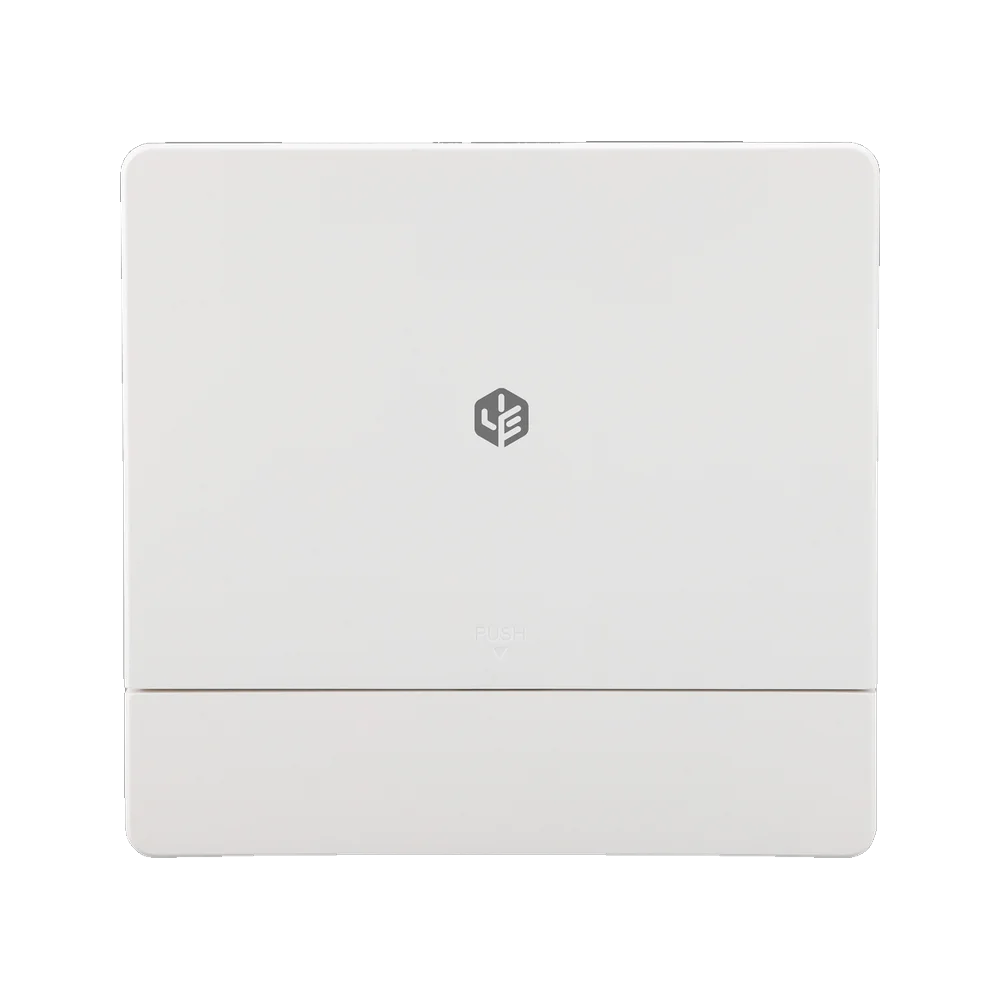
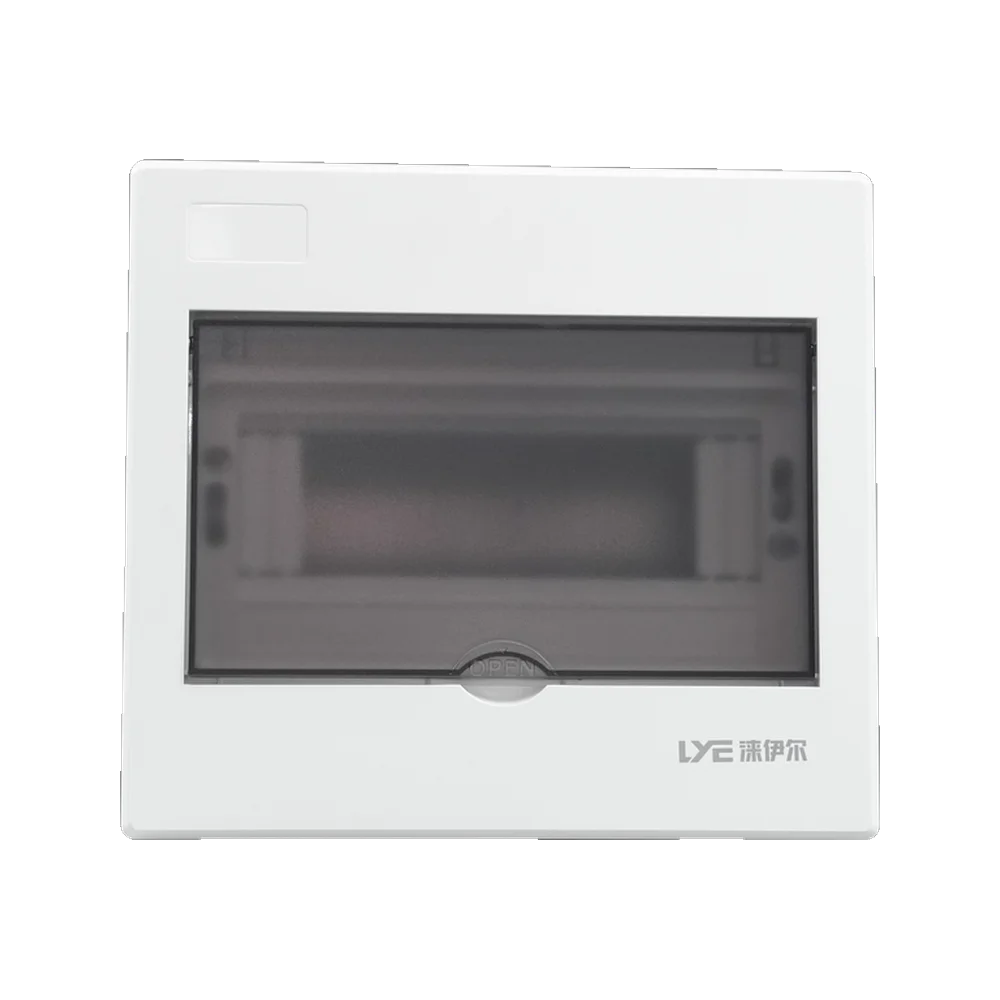
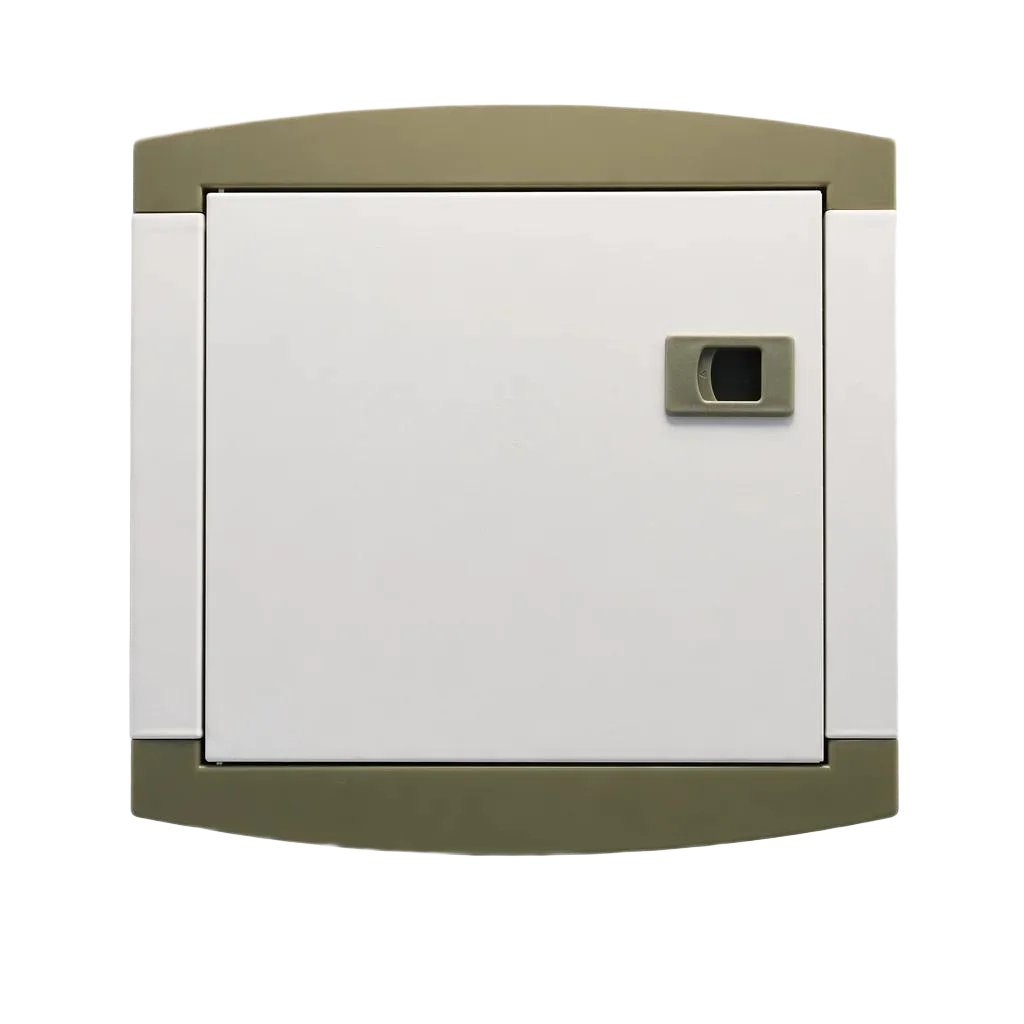
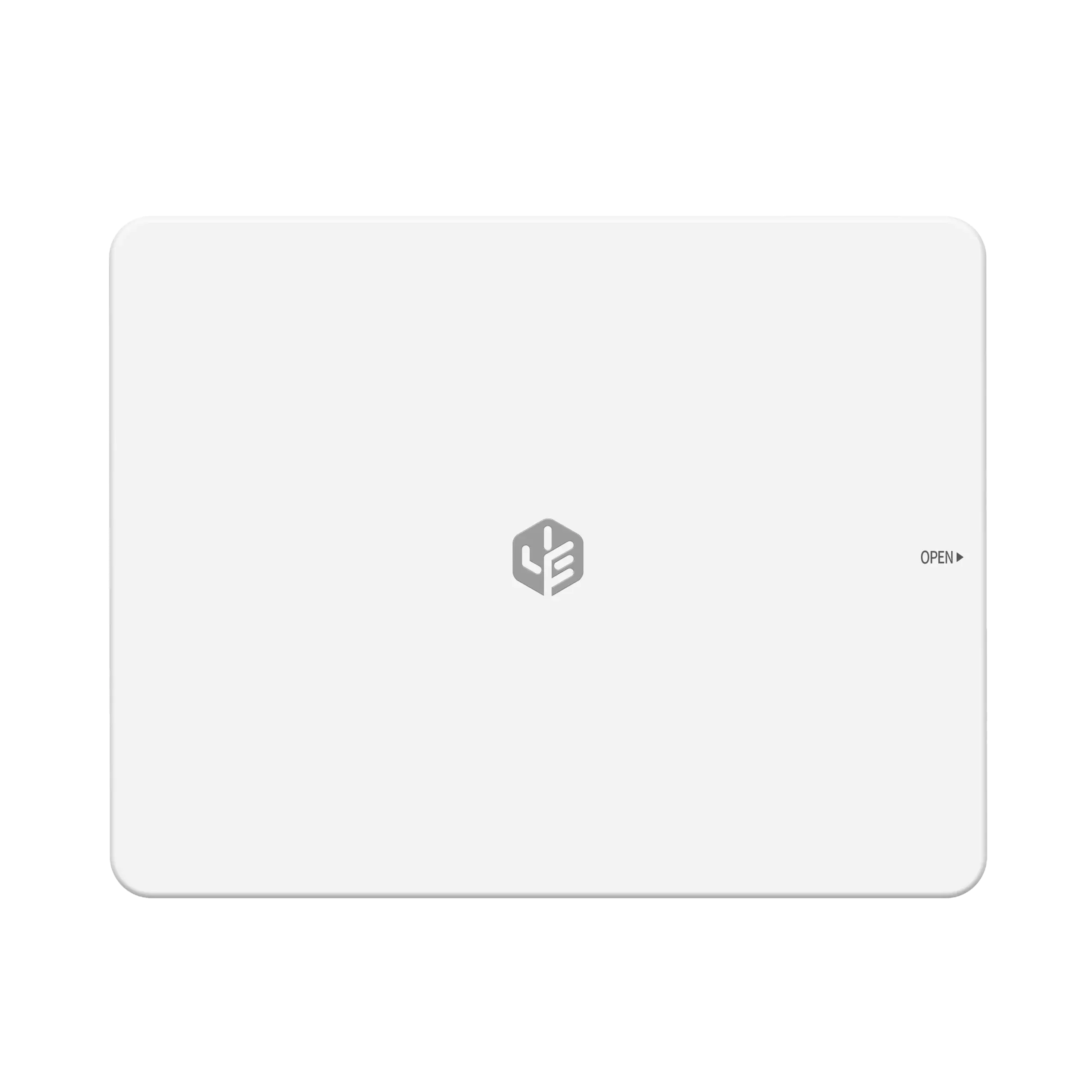
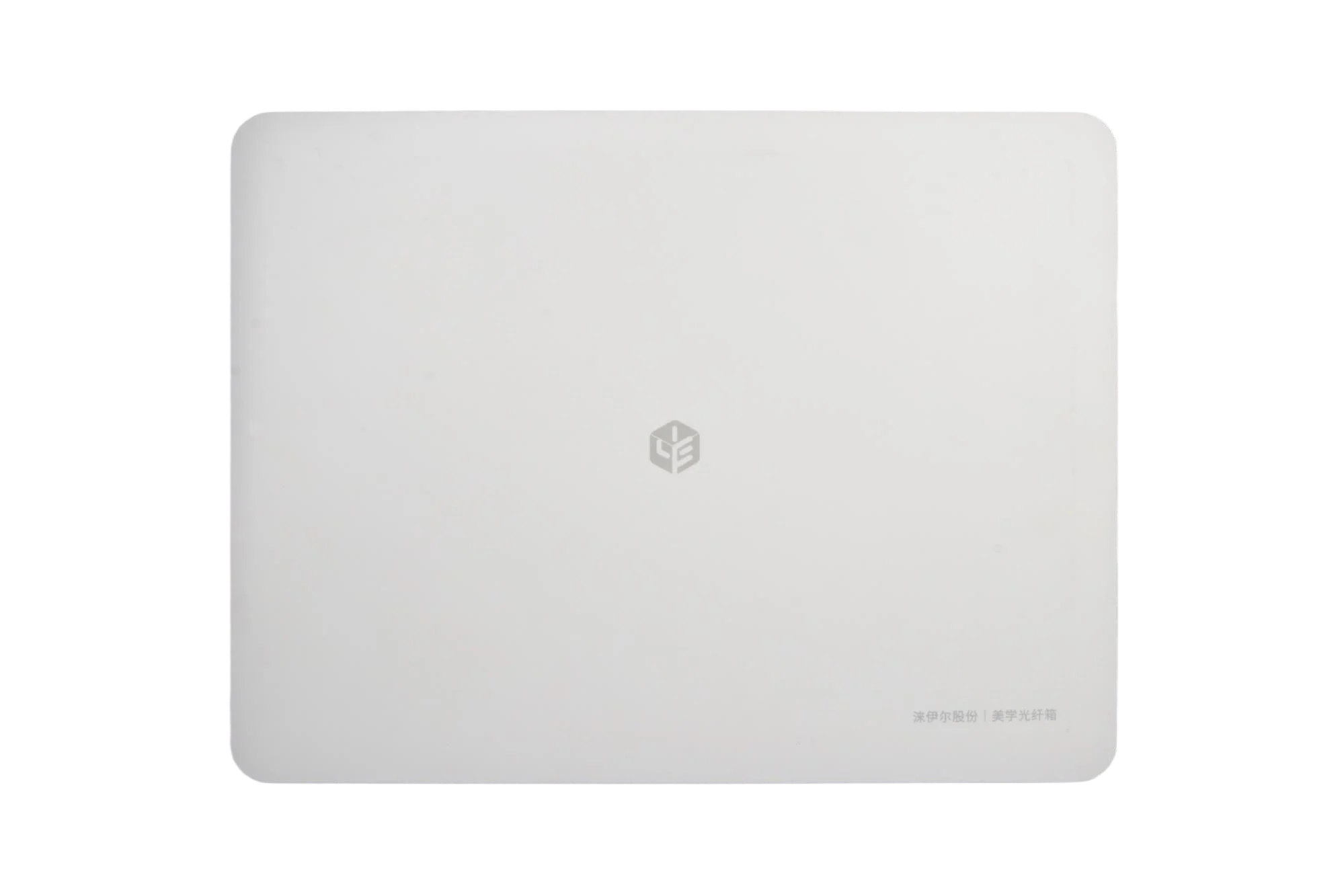
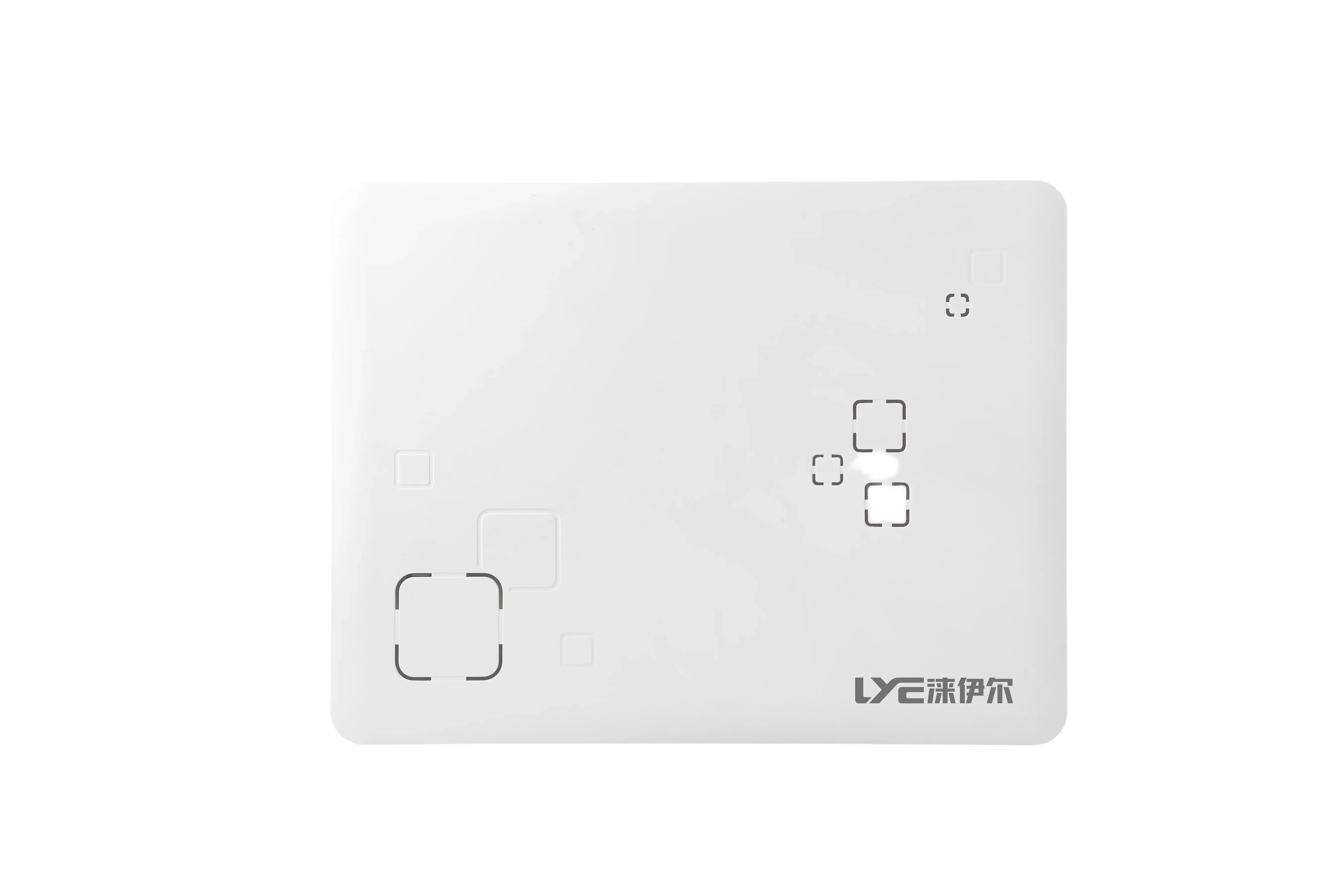
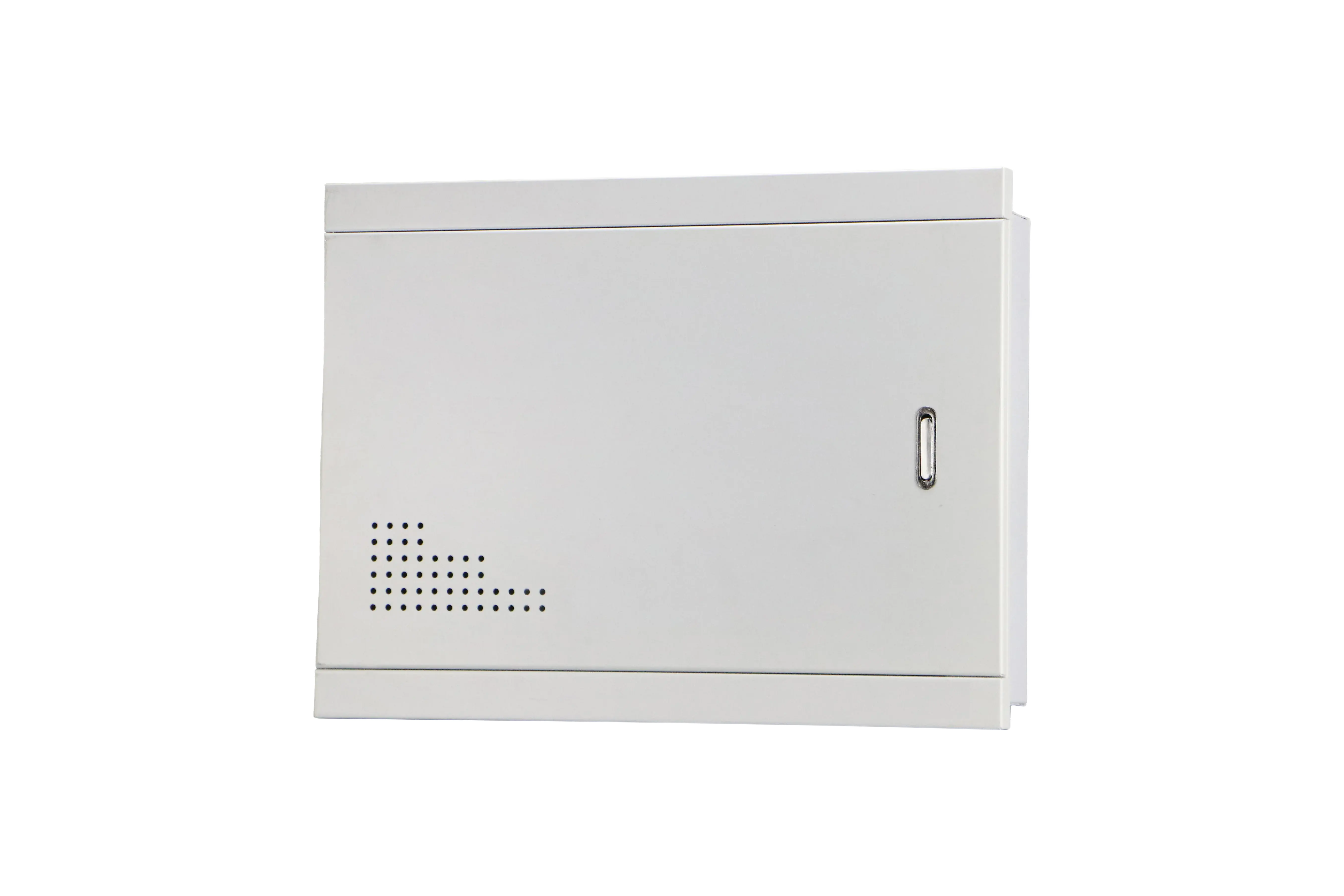
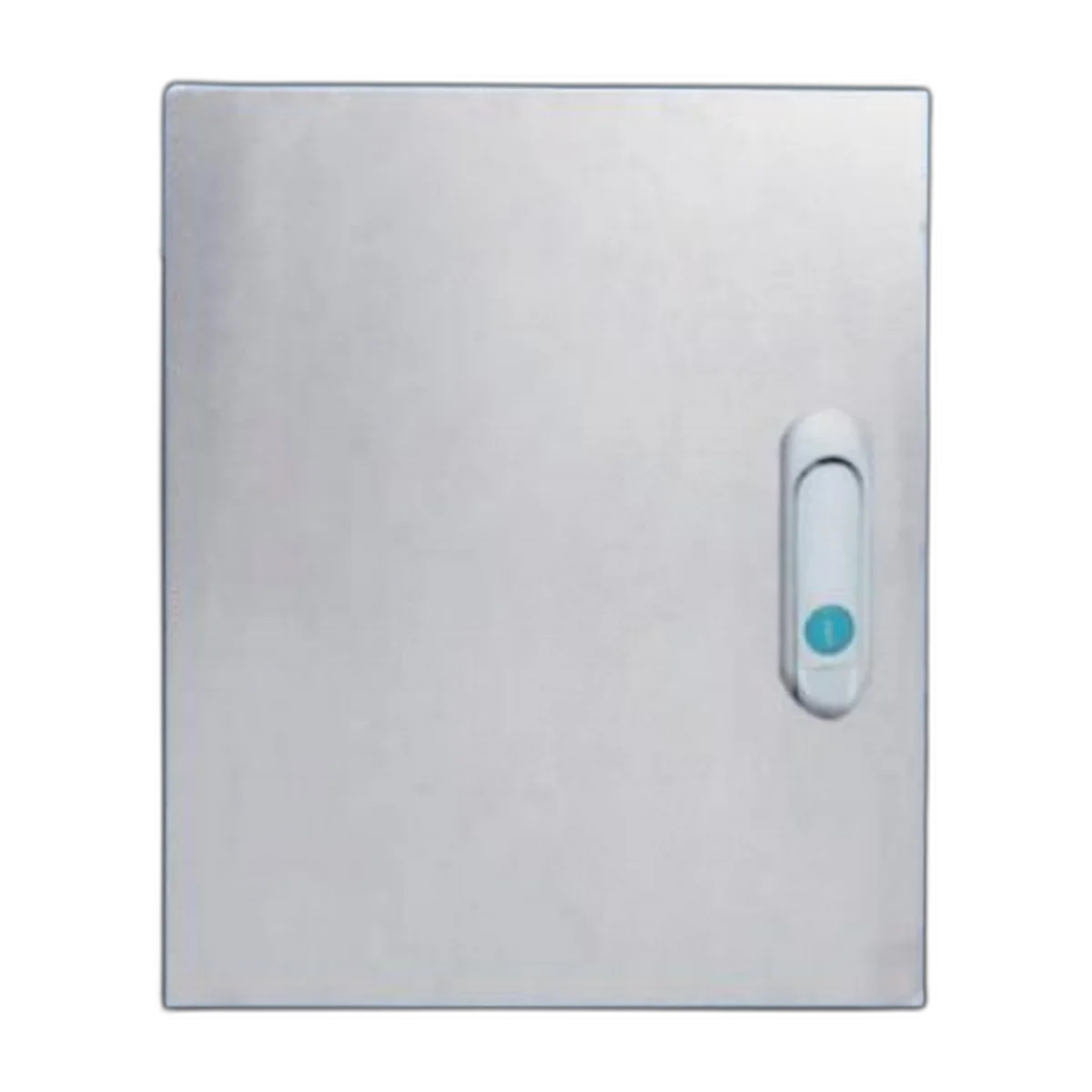
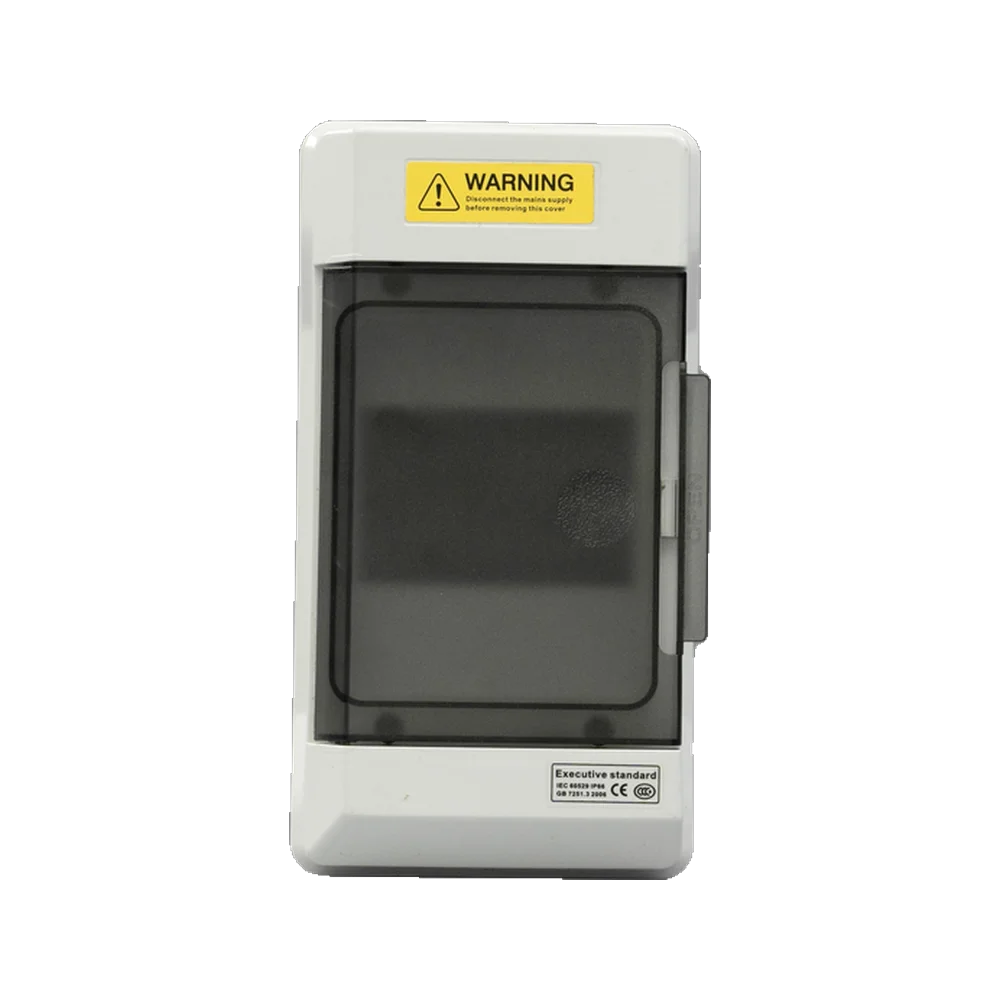
Front panel designs typically make up the majority of the design budget. The most basic and least expensive is a plain white plastic door. The most desirable front panel would be a glass door with a printed border. This style of design resembles a “light switch” located within a finished apartment and helps to eliminate visual distractions from the property’s service hatch. In either case, a metal door with powder-coated finish (industrial style) is typically used. A front panel with an “open frame” would usually be used in the event that access to the equipment will be continuous.
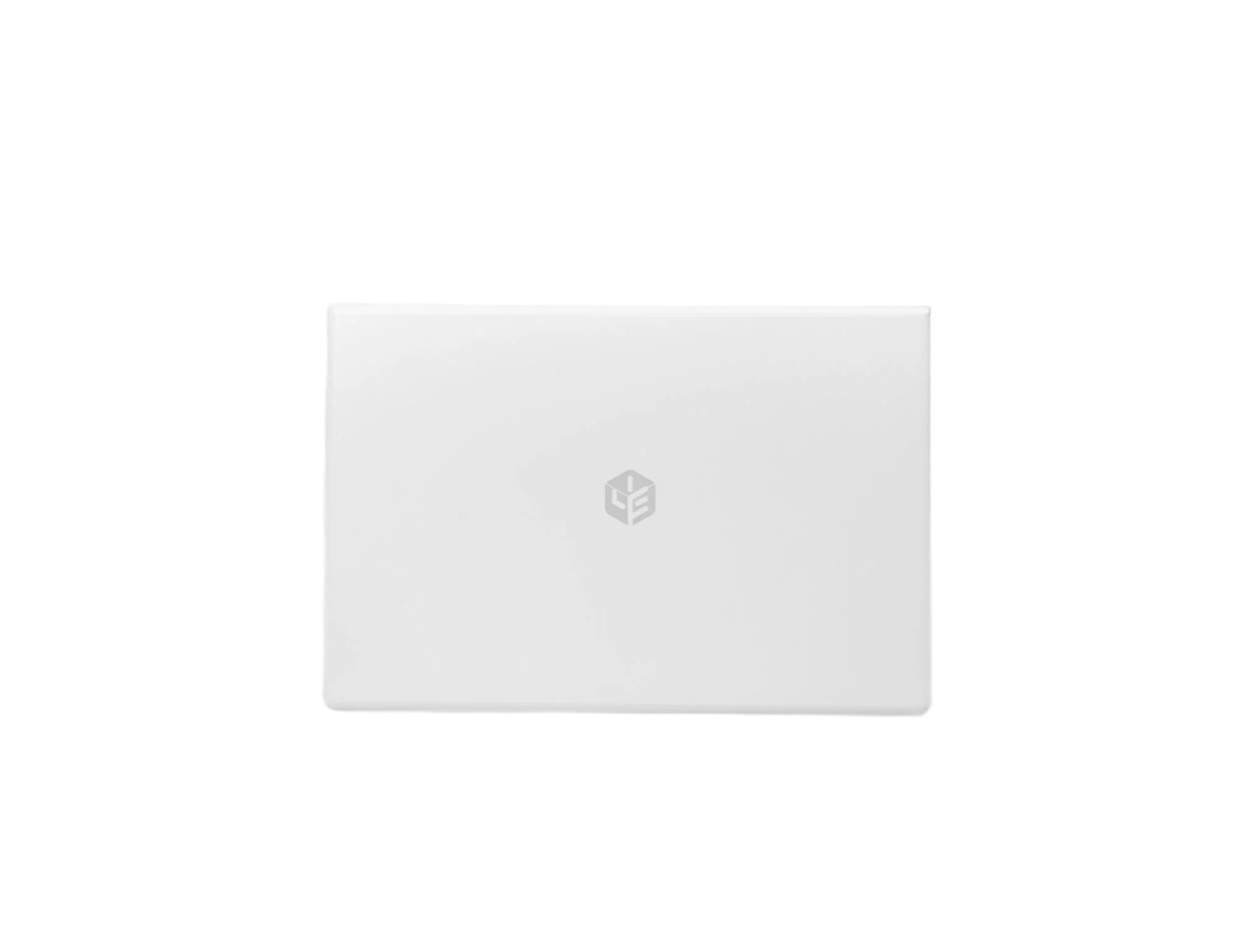
Glass front panel multimedia boxes have become the “standard design” for most residential projects based in China and Southeast Asia. The printed border on the glass door and flush hinge make the door appear to be part of the wall. A steel front panel has the same internal functionality as a glass front panel, but has different exterior appearance. This is the benefit of using a modular system. for having a Big or Wide Gap Between Low Price and High Price
Cost and Reasons for Having a Big or Wide Gap Between Low Price and High Price
The price difference between $8-$90 is not a margin difference but a difference on the material used and the manufacturing of the box, i.e. mold box made with only plastic and no internal supports, costs only several dollars whereas a steel case with a hinged door as well as the inclusion of a DIN rail, power supply etc require more than just the purchase cost for the manufacture of the box.
| Product | Factory Price Range | Factors Affecting Price |
|---|---|---|
| Basic Plastic AV Box, 350mm | 8.00 to 18.00 | Material, Overall Size of AV Box, if divider is built in |
| Recessed Plastic Information Box, 300×400 mm | 12.00 to 28.00 | Number of Modules Included, Type of Door, Internal Wall Panels |
| Glass Front Information Box | 30.00 to 60.00 | Type of Glass Used, Type of Hinge Used, Number of Modules |
| Steel Information Box, Powder Coated | 25.00 to 60.00 | Gauge of Material Used, Type of Coating Used, Locking Mechanism, Type of DIN Rail Used |
| IP65 Outdoor Entry Box | 30.00 to 70.00 | Type of Seal Used, Type of Gland Entry Point Used, Material used to manufacture |
| Stainless Entry Box | 60.00 to 140.00 | Grade of Material Used, Type of Finish, Quality of Welding |
Notes on Pricing for Buyer: When purchasing in container quantity, price per unit is reduced by 15 to 25 % compared to a mixed pallet due to the molding and assembling being fixed costs and that the Power Modules are often separately priced, thus when using a low priced quote later becomes expensive when purchasing Power Modules and including Patch Panels and Keystone Jacks.
Specifications for Purchasing Products
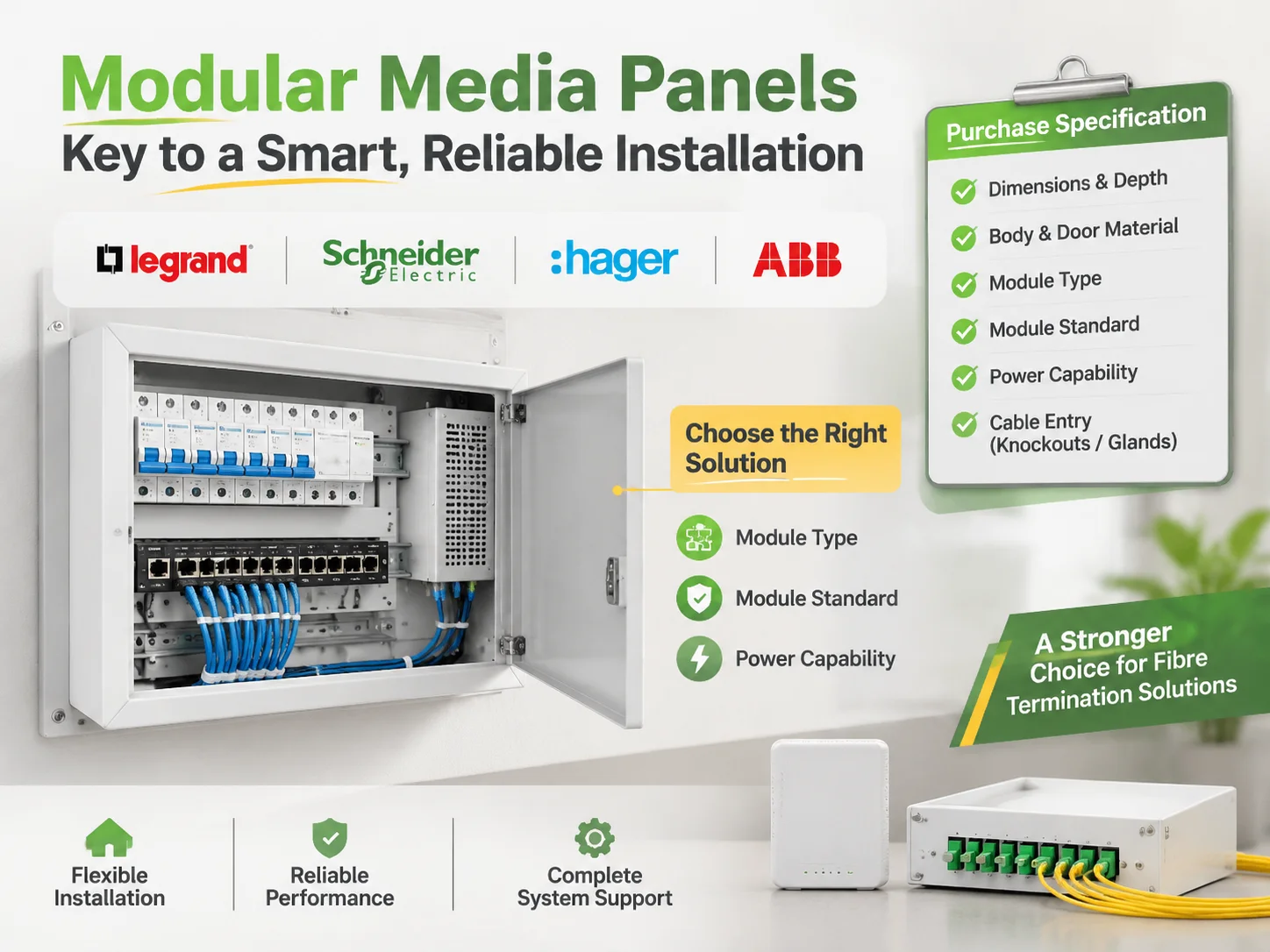
There are six items to include in a Purchase Specification. The Outside Dimensions and Depth, the Material of the Body and Door. The three key features of a modular system are: 1) the module type; 2) the module standard; and, 3) the perceived power capabilities of the power module, including whether it is included in the assembly. Knockouts, grommets or glands on cable entry arrangements determine the location of cable entry points and their locations on the module standard, respectively. The module finish will not determine the module type or standard, although there are colour references used by manufacturers.
The first item that is often left off the list of required components is the manufacturer name of the terminal blocks inside the module. Unless you have established a company standard for the terminal block type, it should not be specified. The packaging is typically not specified unless it is to be sold at retail and the mounting screws should be sourced locally, rather than shipped.
A contractor cannot leave only two items to the supplier to determine: depth (due to wall limitations) and the number of outgoing circuits (due to the room layout). Therefore, when a supplier is asked to determine how many outgoing circuits a panel will have, they will estimate based on the average and will most likely underestimate the smallest casa and overestimate the largest studio.
There are four international manufacturers that supply LYE products. These include: Legrand, Schneider Electric, Hager, and ABB, which all produce modular media panels as part of a complete system of wiring components. They also manufacture panels to complement their respective lined panels and patch panels in racks and manufacture extensive catalogues of products for every modular product.
In addition to the above mentioned international manufacturers of modular media panels, there is a cluster of manufacturers in China that compete with the four manufacturers listed above. Chinese manufacturers produce the majority of the world’s moulded boxes and typically offer a lower price than their competitors. However, unlike the four international manufacturers listed above, they focus primarily on the enclosure rather than the system.A major differentiator in matching a Legrand switch throughout the project is the availability of a Legrand media panel, while all other factories will offer their own versions.
Therefore, we will mold, fabricate, print on glass, assemble, and hold tooling for the bodies (enclosures) of our products based on the sizes of the above enclosures rather than engineer each project based on the specific installation type that has been selected by our customers.
Projects requiring a specific switch range will organise their communication and FTTH enclosure solutions based on the selected installation type, which is where the decision will ultimately be made.
When it comes to full integrations between the smart panel with proprietary bus and mobile app, the System vendors typically beat us on the system sale. However, when a project requires a fibre termination enclosure, operator’s ONT, Cat6 distribution and proper closure, this is a stronger area of the marketplace for us.
Frequently Asked Questions
What is an in-wall media box?
An in-wall media box is a recessed enclosure that holds the cables and other small electronic components inconspicuously. A wall-mounted enclosures behind the television holds the power, HDMI, network connectivity, fibre termination and ONT, while in a utility room, it holds the termination and the ONT for the entire residence.
What is the difference between a media box and a multimedia information box?
A media box is shallow, 50 to 90 mm, and holds connectors and a small power supply. A multimedia information box is 100 to 120 mm deep and holds active equipment: the ONT, a router or switch, a patch panel and a power module. The second is a small cabinet and the first is a hatch.
How deep should the box be?
Add 20 mm to the deepest item that has to fit with its plug connected. A box holding an ONT, a router and a Cat6 bundle normally needs 100 to 120 mm, and a box that only passes AV cables needs 50 to 90 mm. Check the plug orientation, because a right-angle plug needs less depth than a straight one.
Will I require power in my information box?
If you’re using an information box that supports an optical network terminal (ONT), router, or switch, you will require power in your information box. The highest number of outlets in a module would be three, and those outlets would be located on a circuit separate from the lights. You’ll also want to leave enough space in your information box for the plug itself to sit behind a closed door.
Is it possible to install an information box in a wall that is 100 mm thick?
Yes, but the mounting bracket must either be shallow or you must fur the wall out. A 120-mm box will require a 125-mm partition, so forcing a 120-mm box into a 100-mm wall would create a protruding door or require a secondary wall surface to be installed. This decision must be made during the framing process.
References
- Rittal, Enclosure and Wall Cabinet Systems
- Legrand, Structured Media Enclosures and Wiring Devices
- UL Solutions, Enclosure and Wiring Device Certification
- NEMA, Enclosure Types and Protection Ratings
- Grainger, Electrical Enclosures and Cable Management
Conclusion
Two products bear the same name, but they serve different purposes. A shallow AV box conceals wires behind the display, while a multimedia information box connects fibre and copper cables and supplies power to the equipment sending those signals to the display. An information box application should be decided before selecting either of these products.
To ensure compatibility for installation, the following three numbers need to match: the mounting bracket’s depth compared to the deepest plug; the number of modules to be installed compared to the number of outgoing cables; and the thickness of the wall compared to the body of the information box. If these numbers match, there is no issue with installation; if they do not match, the wall will need to be taken down.